I’ve always had this nagging worry when traveling—do I really want to pull out my expensive smartphone every time I see something worth capturing? Between the battery drain, the risk of dropping it while hiking, or worse, having it snatched in a crowded market, I’d been looking for an alternative that wouldn’t cost me an arm and a leg.
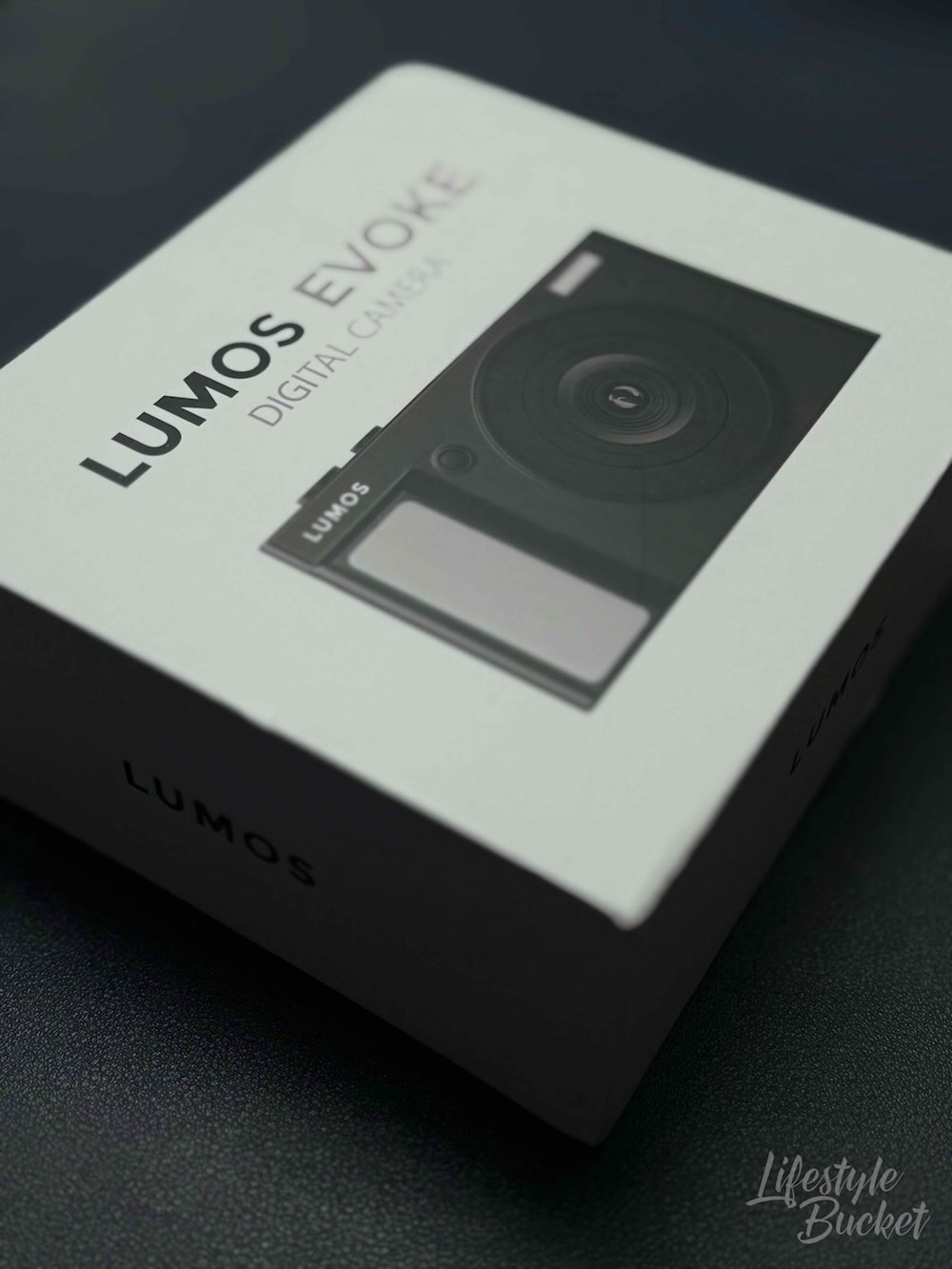
Enter the LUMOS EVOKE.
Why I Wanted a Dedicated Camera (Even Though I Already Have Good Gear)
Here’s the thing: I have a decent smartphone. It takes great photos. And I also shoot with a mirrorless camera when I’m serious about it. But let me walk you through my thought process, because maybe you’re in the same boat.
My smartphone costs more than ₱60,000. It’s got my work emails, business contacts, banking apps, and pretty much my entire digital life on it. The last thing I want is to be fumbling with it on a cliff edge for that perfect sunset shot, or having it out in a sketchy neighborhood, or watching the battery drain from 80% to 15% because I’ve been shooting photos all day—and then realizing I still need to call a Grab to get back to my hotel.
My mirrorless setup with a lens set me back well over ₱50,000. That investment makes sense because photography is more than a casual hobby for me—but for everyday travel snapshots and social media? Lugging it everywhere is overkill, and it’s a lot of expensive, heavy equipment to worry about.
The Smart Middle Ground
This is where something like the EVOKE makes perfect sense. At ₱4,999 or ₱5,999, it’s what I call “risk-appropriate technology.” If it gets stolen, dropped, or somehow ends up in the ocean, I’m not going to lose sleep over it. More importantly, I’m not losing my work device or my professional camera investment.
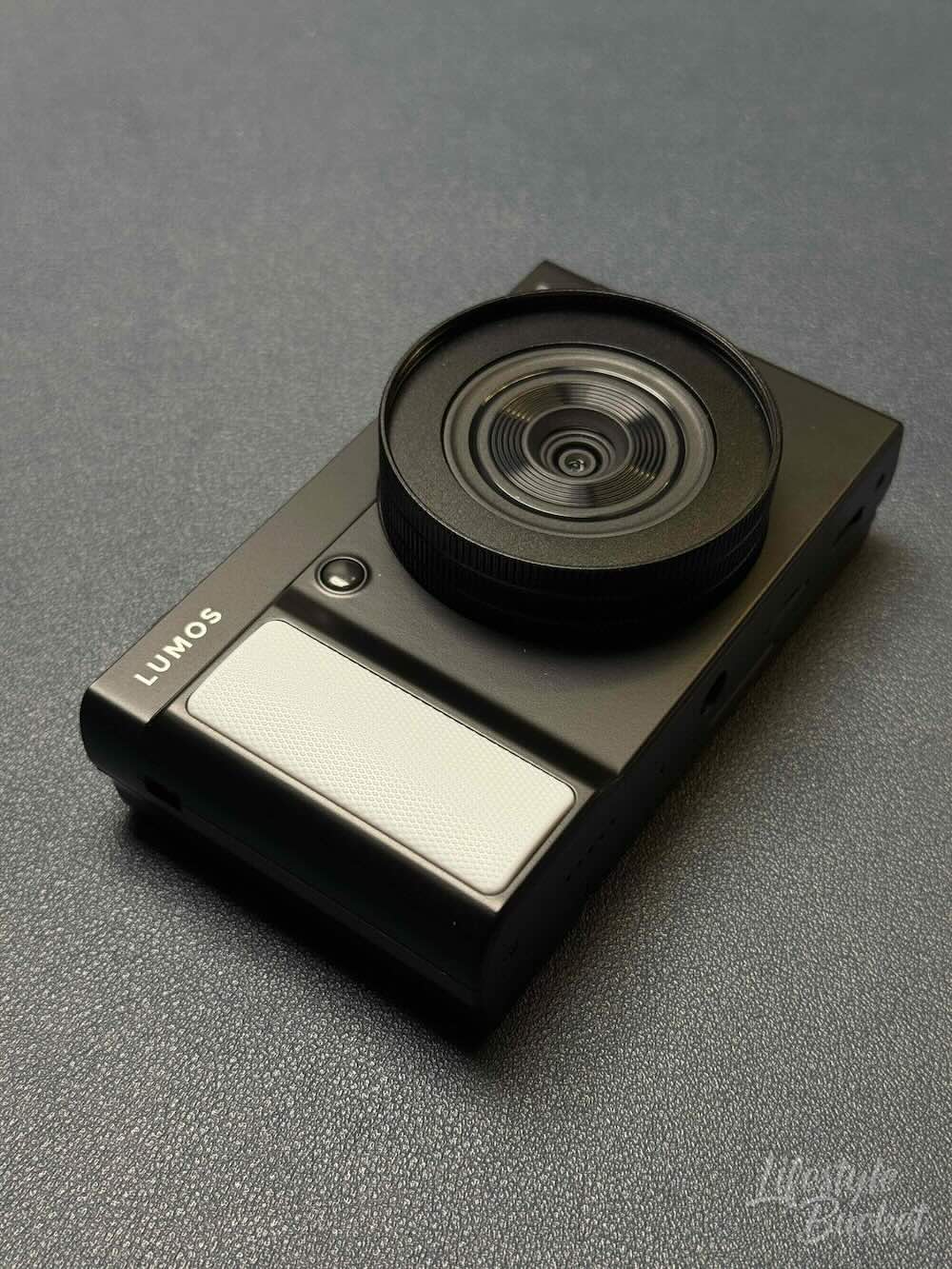
Think about it: what would actually hurt more to lose on a trip—a budget camera or the smartphone your entire business runs on? Would you rather drain the battery on your point-and-shoot or the phone you need to coordinate meetings, respond to clients, and navigate unfamiliar cities?
For me, the math was simple. Even if you already have great gear, having an affordable dedicated camera is just… practical.
When Simple is Actually Better
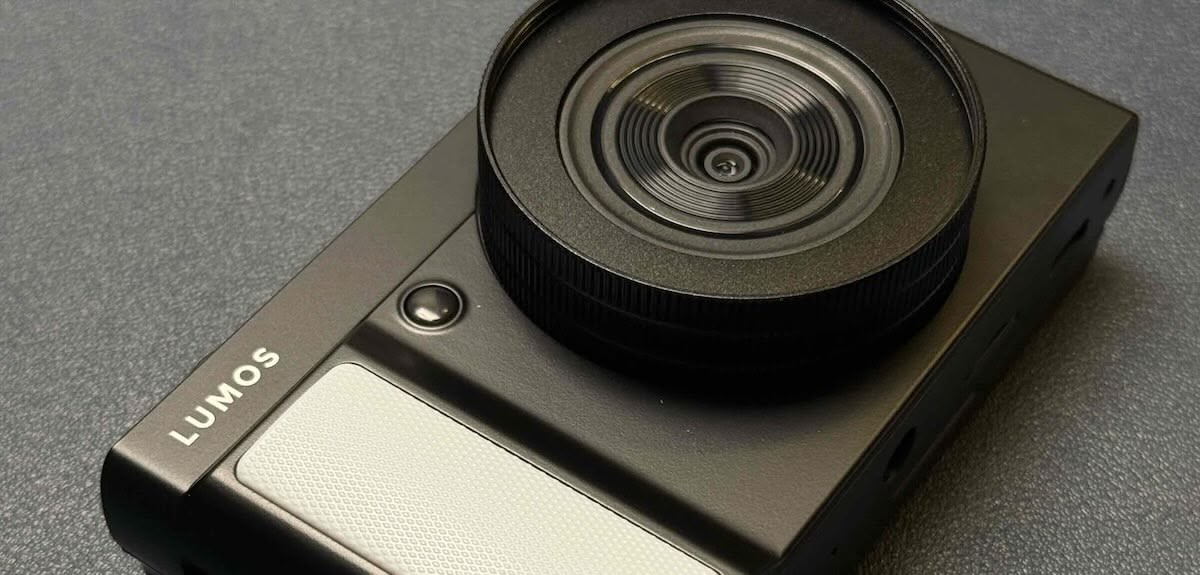
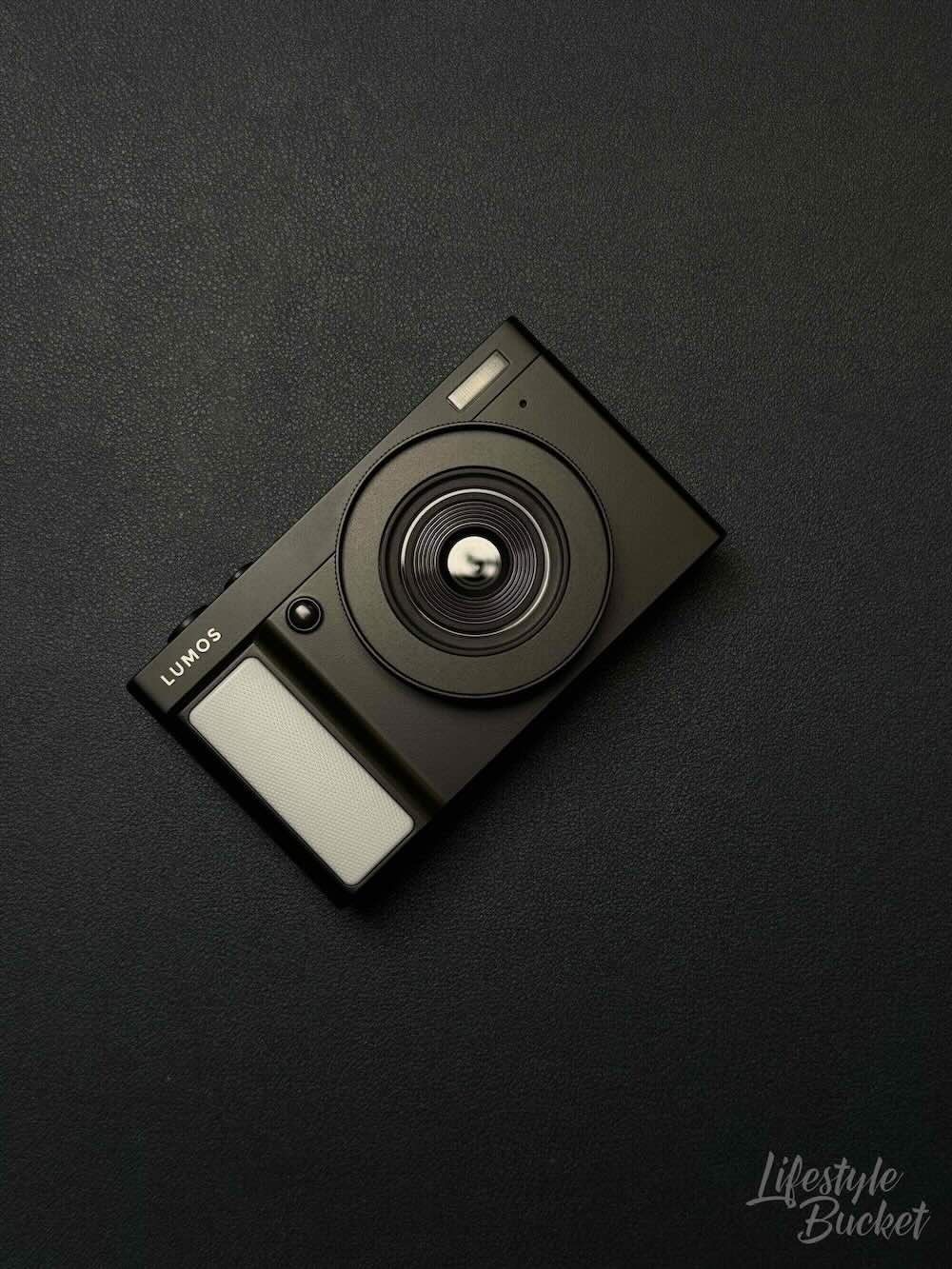
The LUMOS EVOKE isn’t trying to compete with professional equipment, and that’s exactly why it works. This little camera—just 6 x 11 x 3 cm and weighing only 190g—shoots up to 64MP photos and 4K video at 30fps. It has a 16x zoom, built-in flash, and 16 filters. The flip screen makes selfies and group shots effortless (no more awkward arm extensions hoping everyone’s in frame).
And I have to say—it looks the part too. The black finish with a sort-of vintage aesthetic gives it a classic, understated look that I genuinely appreciate. It doesn’t scream “budget camera.” It just looks like a proper little shooter you’d want to carry around.
What surprised me most? The variety of shooting modes. It comes with 8 different modes: Video, Photo, Slow motion, Loop, Time lapse, Auto, Continuous, Time lapse recording, and Time lapse photo. Honestly, this gives you more creative options than most people will ever use, but it’s nice knowing they’re there when you want to experiment.

I’m not shooting for magazine covers or client portfolios. I’m capturing hawker food in Singapore or an ancient structure in Indonesia, beach days with friends, and moments I want to remember and share on social media. For that? This camera delivers exactly what I need without requiring me to think about aperture settings or worry about scratching an expensive lens.
What You Actually Get
LUMOS clearly thought about real-world use. Out of the box, you get a protective pouch, cleaning cloth, USB-C cable, wrist strap and lanyard, TF-card to USB-A adapter, and a USB-A to USB-C adapter. It’s like they anticipated every “I forgot that cable” panic moment.
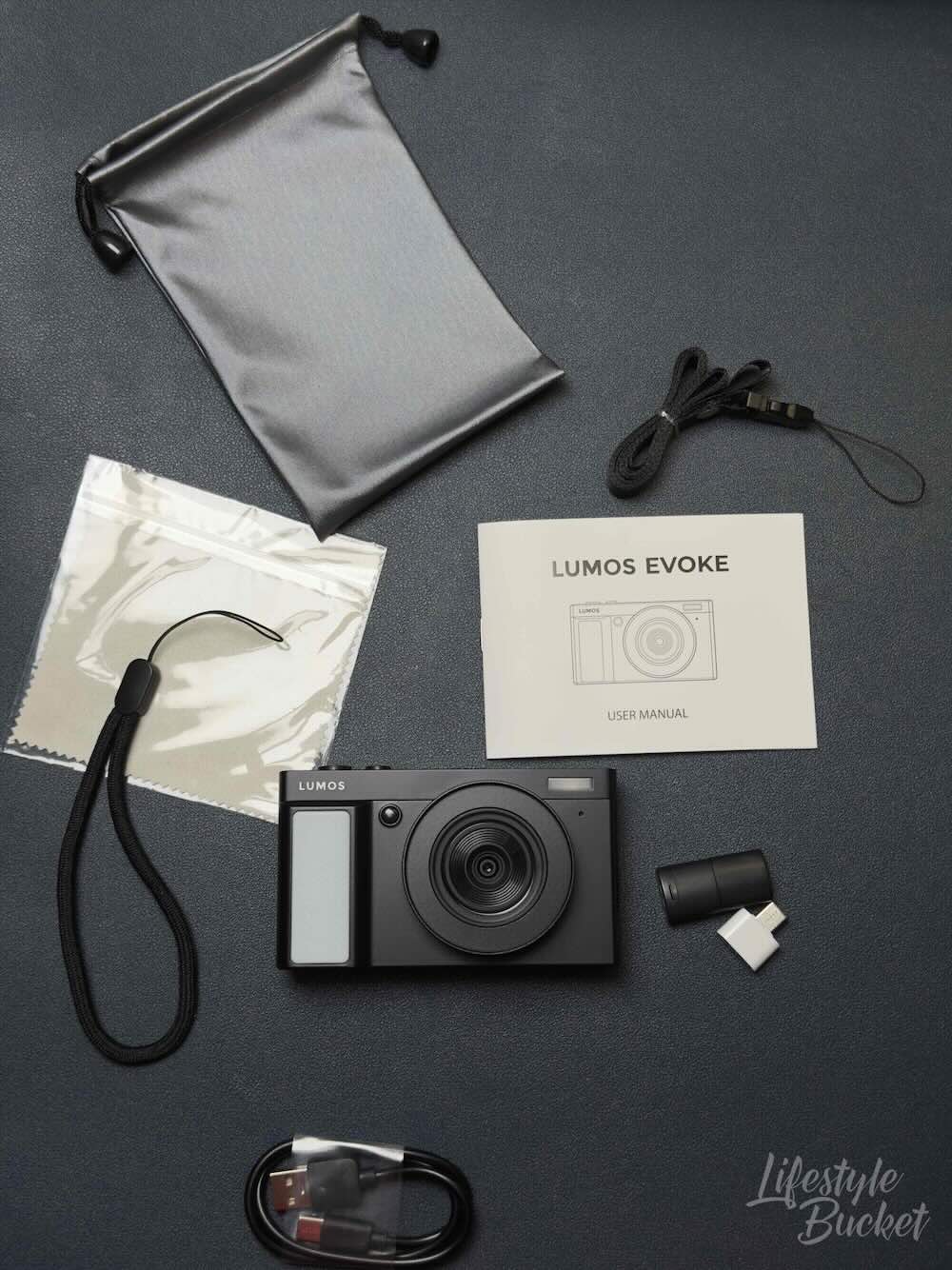
I particularly appreciated that they included both a lanyard and a wrist strap. It gives you options for how you want to carry the camera depending on the situation—sling it around your neck when you’re out exploring, or keep it secured around your wrist when you’re somewhere more active. Combined with how light and compact it is, the LUMOS EVOKE is genuinely convenient to bring. At 190g, you barely notice it’s there until you need it.
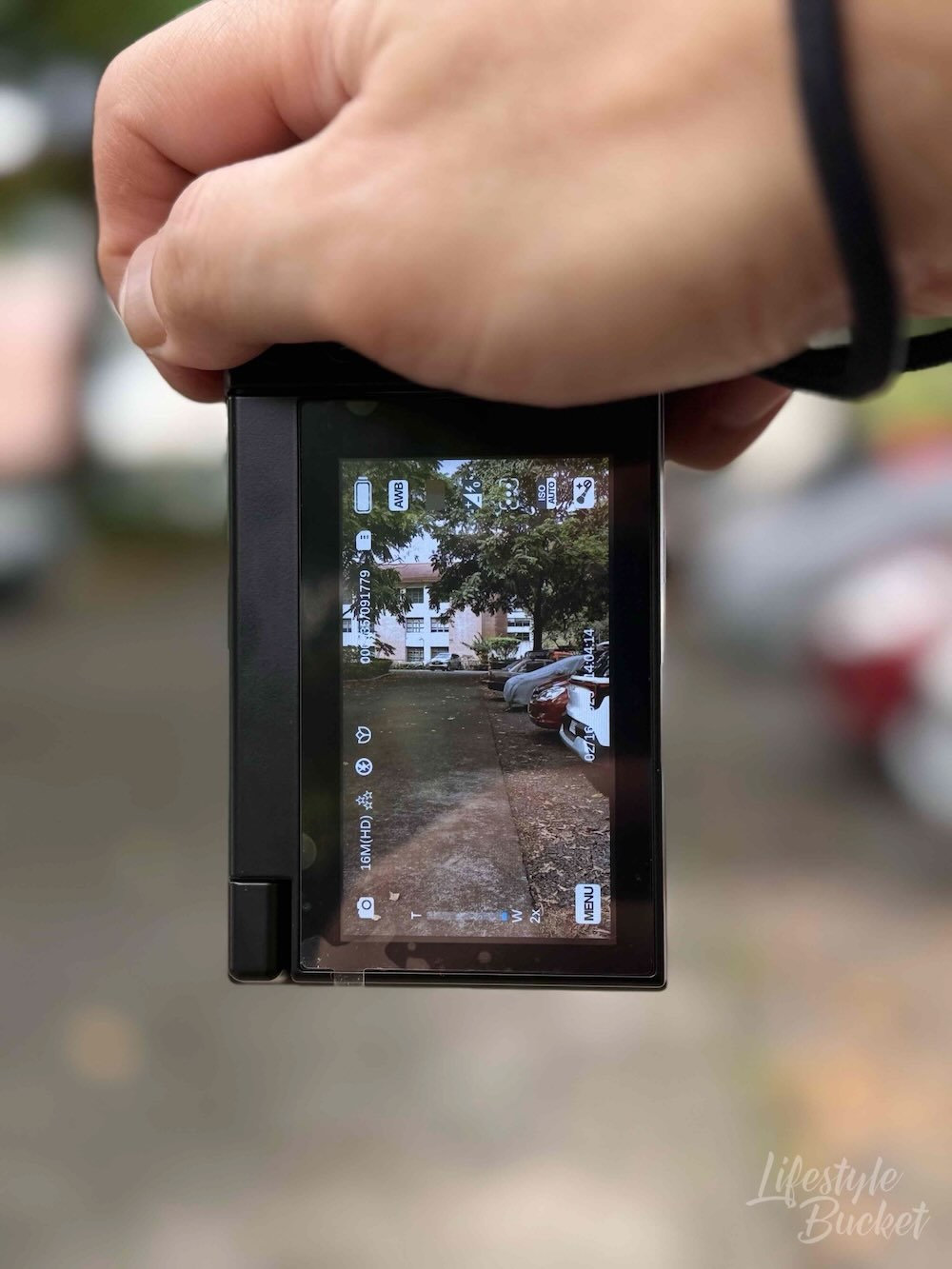
The camera supports TF cards up to 256GB, and the 1,500 mAh battery handles day trips without issue. The IPS display is bright enough for outdoor use—I was shooting in the afternoon sun and had no trouble reviewing my shots on the screen, which was a pleasant surprise. And there are shooting modes for single shots, continuous shooting, and countdown timer.
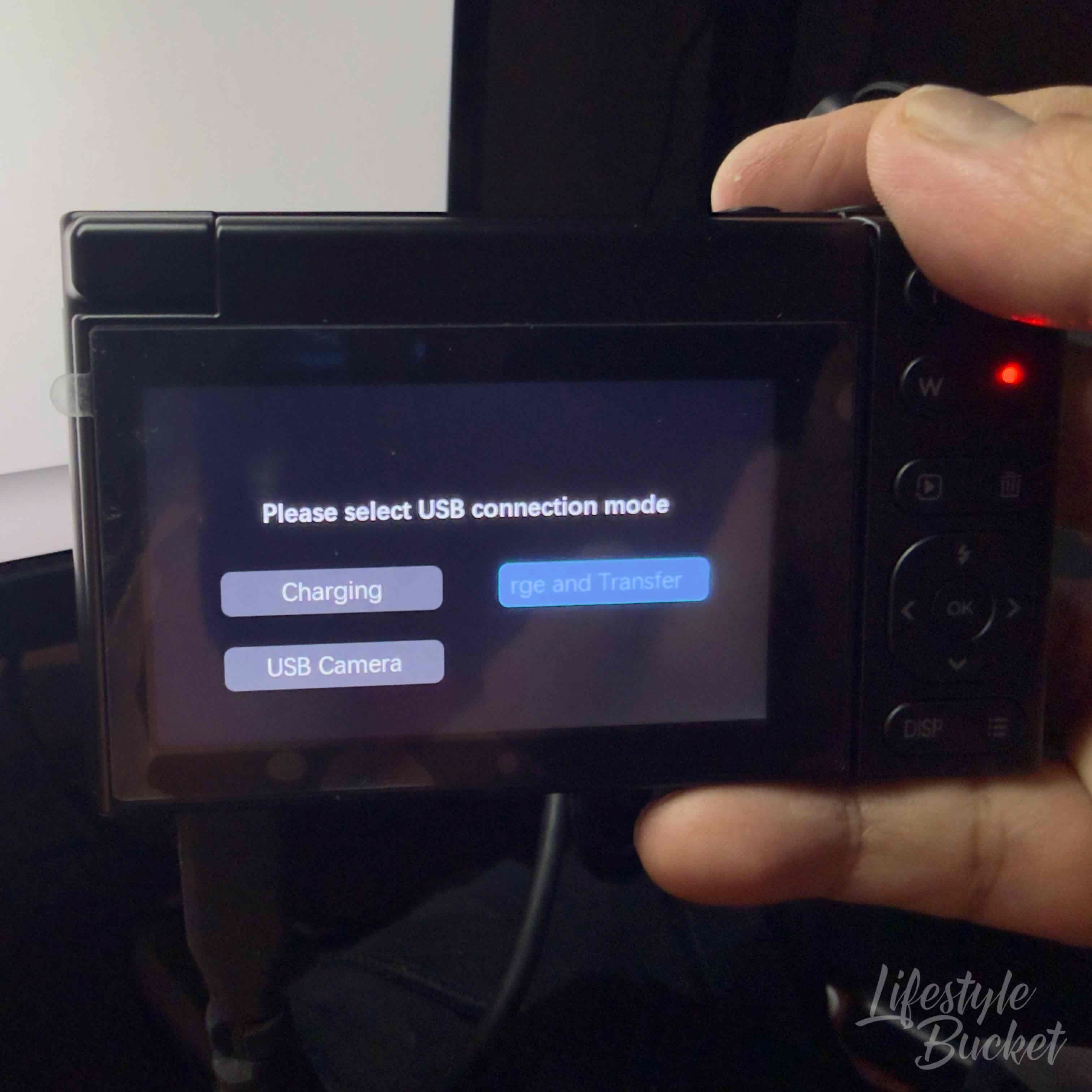
One surprise bonus: the webcam function, which I’ve actually been using for video calls when I want better quality than my laptop camera.
The Learning Curve (It’s Tiny)
Here’s something I noticed: the photo quality is surprisingly decent for the price. I mean, I wasn’t expecting miracles at under ₱6,000, but the photos came out better than I anticipated—good enough for memories and social media sharing.
That said, a couple of things to keep in mind. First, resist the urge to zoom in too much. The quality drops noticeably as you push the 16x zoom, so it’s best used in moderation. Second, be mindful of your lighting conditions. The camera performs well in good light, but like any camera at this price point, it struggles when the environment isn’t cooperating. Work with the light, not against it, and you’ll get much better results.
As for video—manage your expectations here. The footage is serviceable for casual clips, but it’s not going to come close to what a flagship smartphone or a mirrorless camera can produce. If video quality is a priority for you, that’s worth knowing upfront.
One more tip I learned pretty quickly: make sure you wait for the blue focus marker before shooting. The camera shows different colored markers (white, red, blue), and blue means it’s properly focused. Once I got into that habit, my shots improved noticeably.
It’s a small thing, but it makes a difference between “meh” photos and ones you’re actually happy to post.
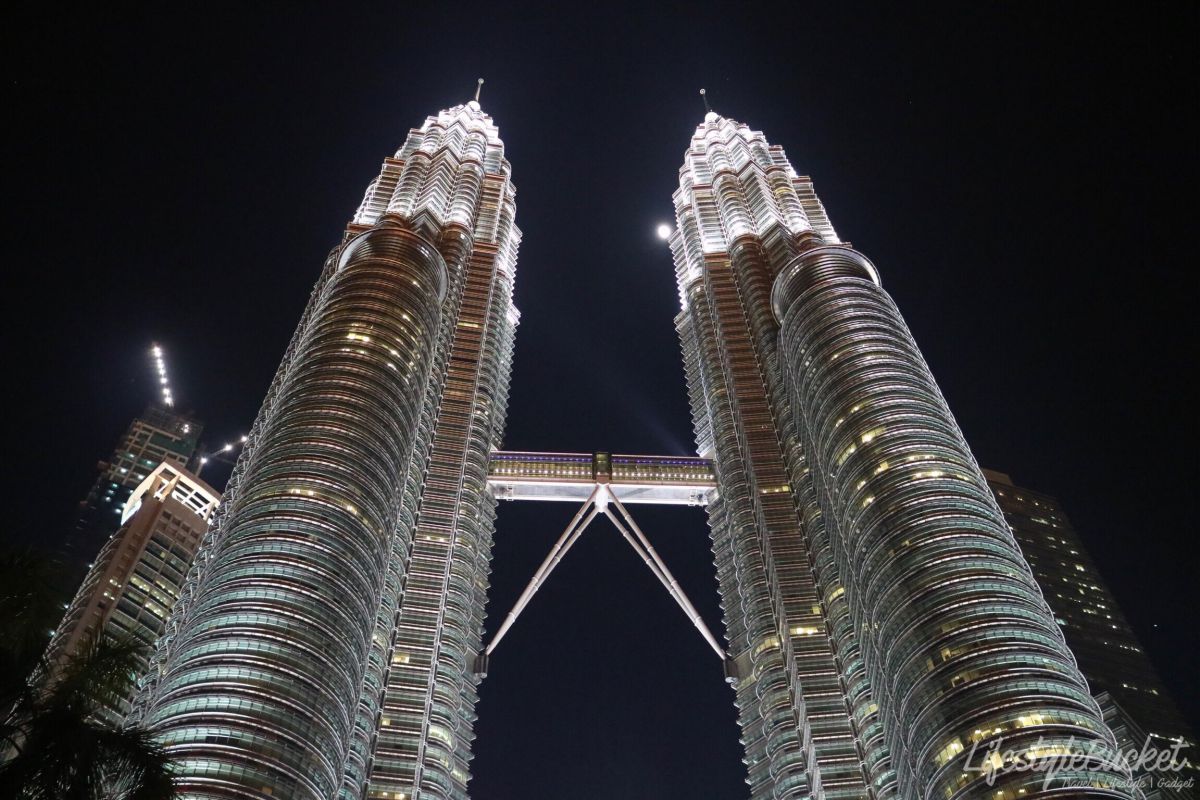
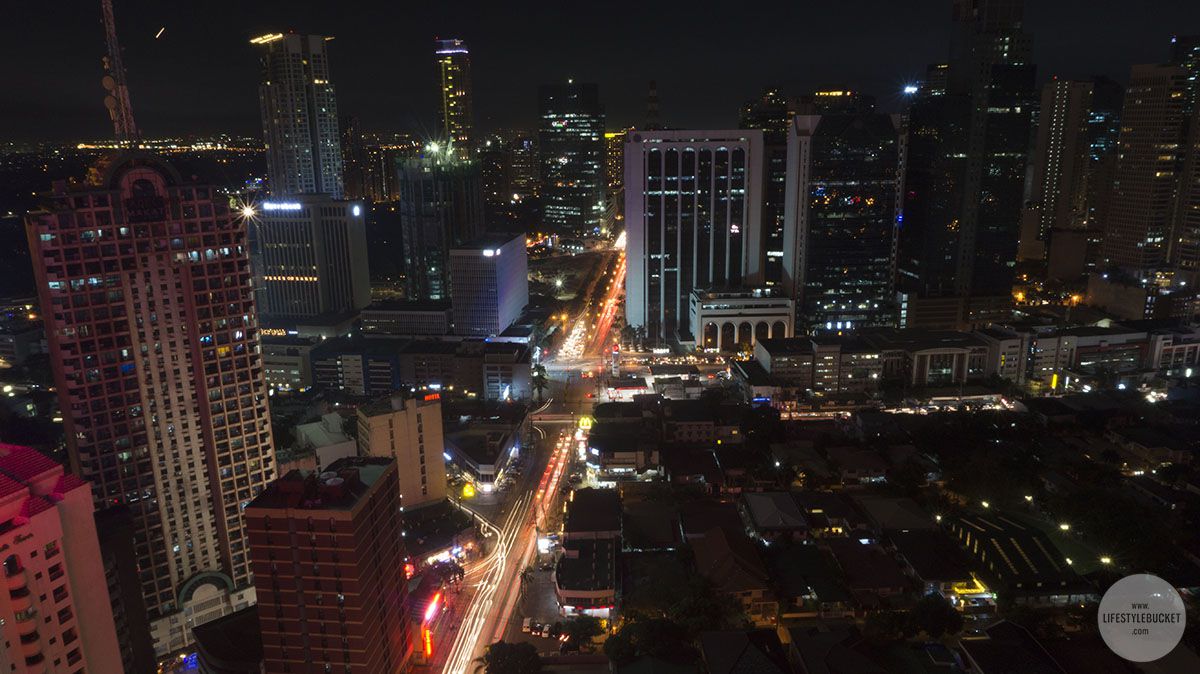
Sample Photos Straight from LUMOS EVOKE
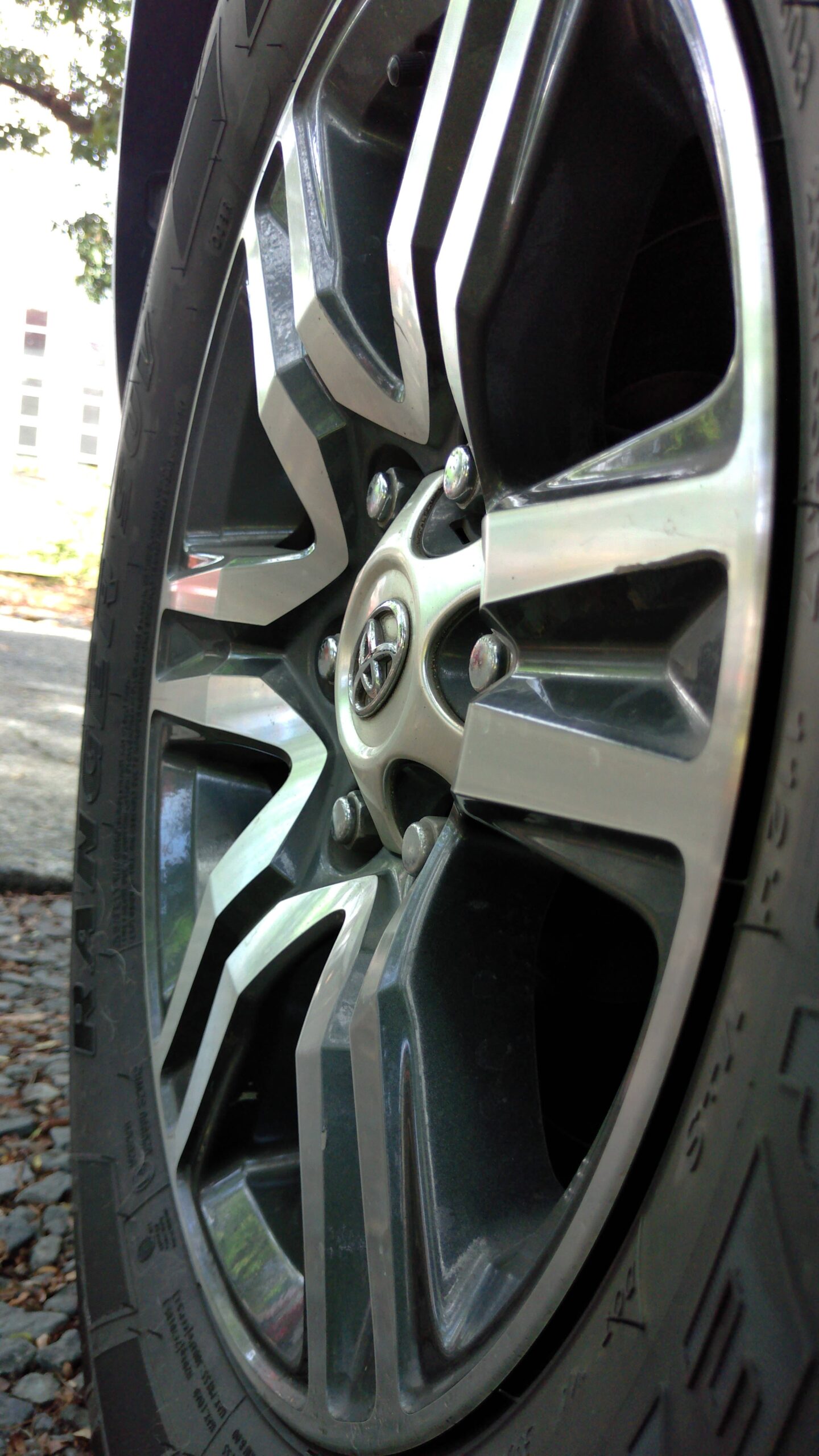
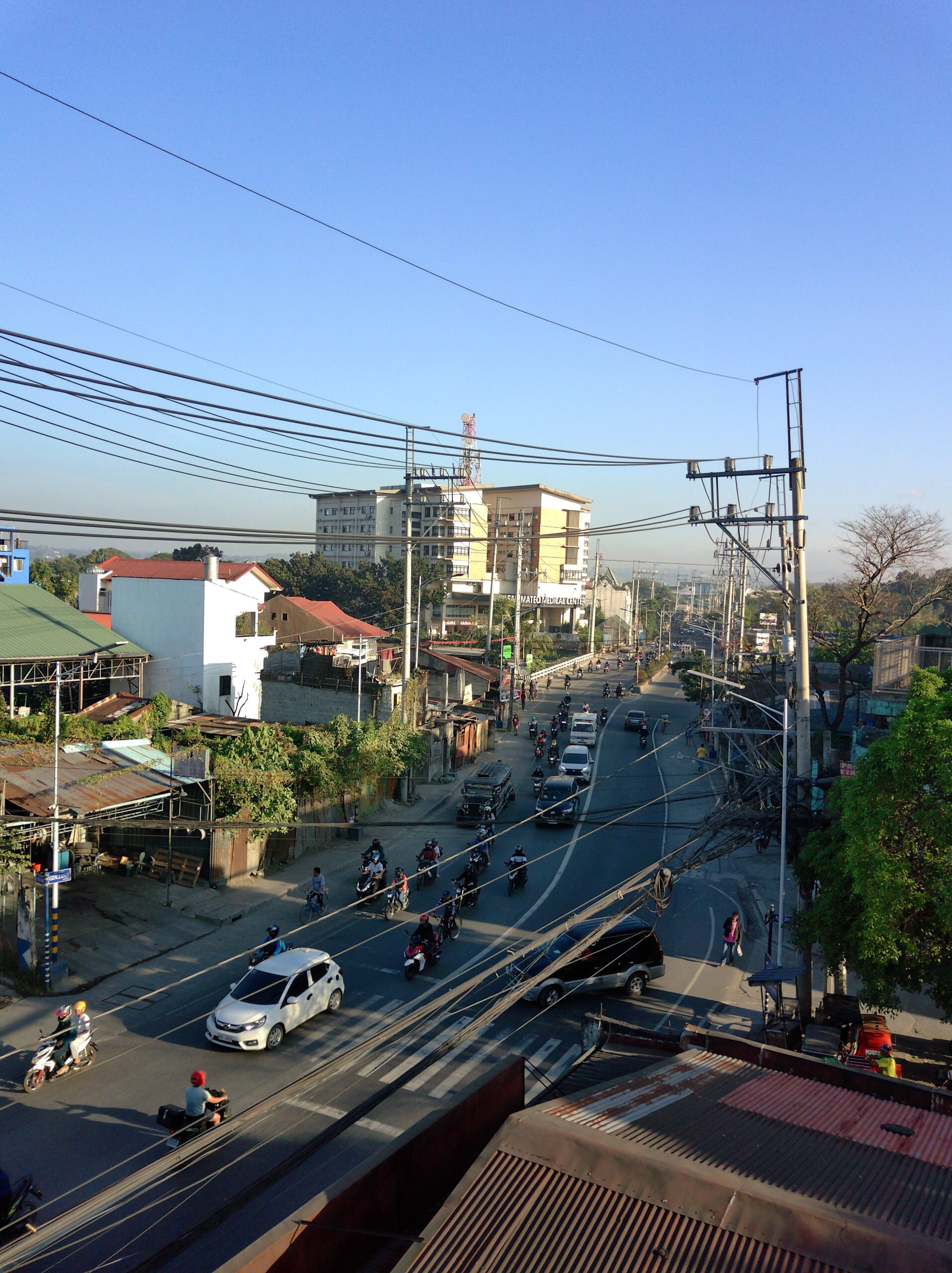
Here are just some of the photos taken. I resized it for blogging purposes, but the full raw file can be viewed from the folder below.


4 frames
(No cropping, no color correction, no exposure correction, just added the watermark)
*Using automatic setting on photo, auto white balance, auto ISO both for indoor and outdoor shoot. As most people might use these settings. Point and Shoot.
Here’s a link to the whole folder of the photos in raw files.
Customizing It to Your Preference
Here’s where I appreciated the flexibility. If you’re like me, you might want to tweak a few settings right out of the gate.
The beep sound: I turned this off immediately. I don’t need to hear a confirmation beep every single time I press a button or take a photo—it just gets annoying, especially in quiet places or when you’re trying to be discreet. But if you’re someone who likes that audio feedback to confirm your actions, the option is there to turn it on.
Time stamp: I also turned off the time mark on my photos. I prefer clean shots without date stamps cluttering the corner. But if you like having that metadata visible on the image itself, the camera gives you two options: date only, or date and time. It’s a nice touch that they give you the choice rather than forcing one way or the other.
These might seem like minor details, but they made the camera feel more personalized to how I actually use it. Take a minute when you first get it to adjust these settings to your liking—it’s worth it.
The Reality Check
Let’s be real: this won’t give you the bokeh of a ₱100,000 mirrorless setup. The low-light performance won’t match your flagship smartphone. Video quality isn’t going to compete with either. It’s not meant to.
But here’s what it does do: it gives you decent photos for safekeeping and social media sharing without breaking the bank. My expensive smartphone stays safely tucked away, fully charged and ready for actual emergencies or work calls. My professional camera setup? That stays home unless I’m on a dedicated photography trip.
My Little Quirks With It
Three small things worth mentioning.
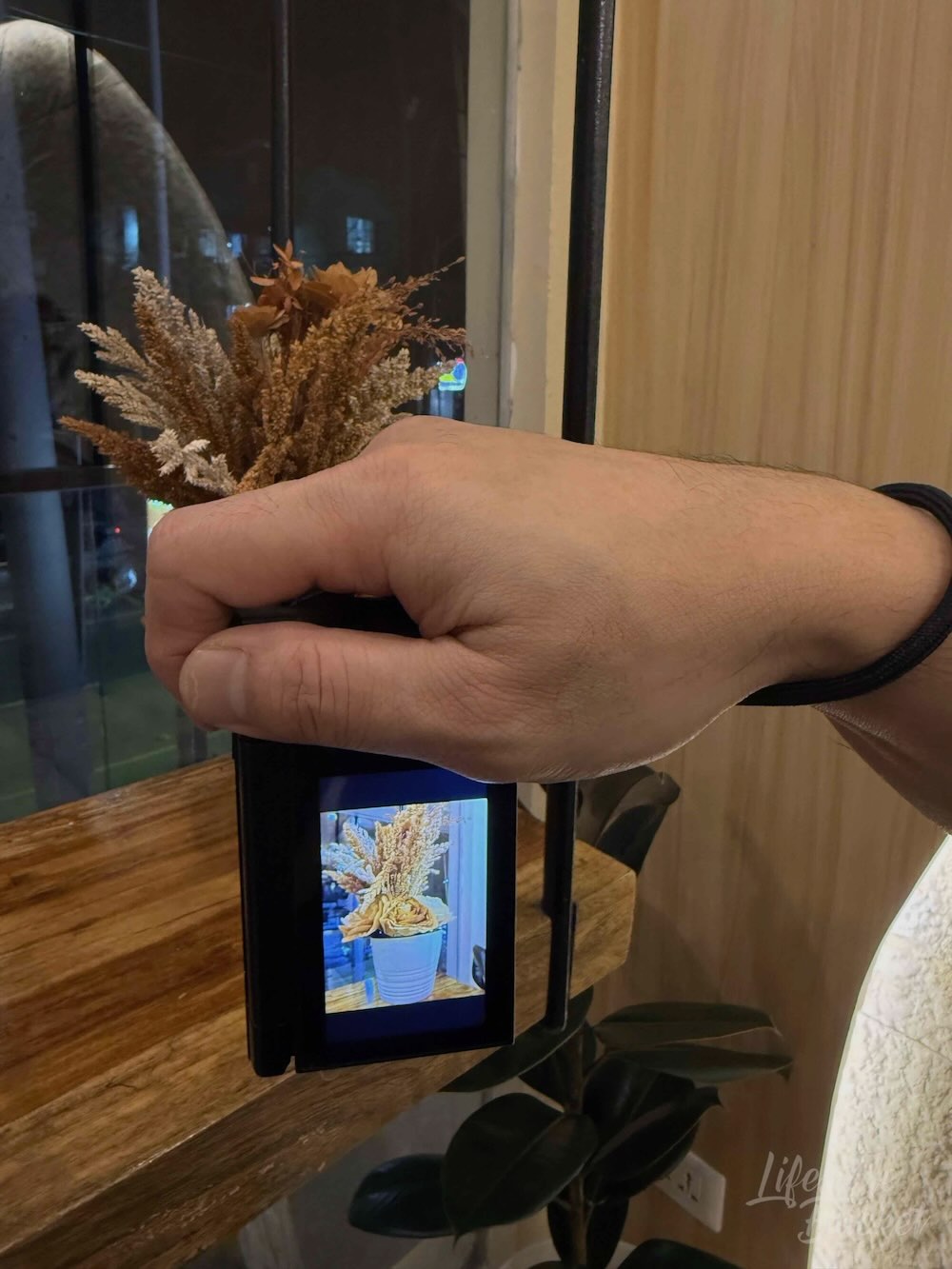
First, the flip screen—while genuinely useful—is specifically designed for selfies and group shots. Don’t expect to use it the way you might use an articulating screen on a more advanced camera. It won’t help you nail those creative overhead or low-ground angles; it’s purely a “point it at yourself and see what you’re getting” feature. And here’s something to be aware of: the moment you start moving the flip screen, the view on it automatically flips vertically. It’s not a bug, it’s just how it’s designed to work for self-facing shots—but it can catch you off guard the first time it happens if you’re expecting the orientation to stay the same.
Second, the camera doesn’t come with a lens cap. The good news is that third-party lens caps do work—you just need to do a bit of hunting to find one that fits properly. It’s a minor inconvenience, but worth sorting out before you toss it in a bag with your other gear.
Third, the charging port is at the bottom. Not a big deal for everyday use, but if you want to use it as a webcam while charging, you’ll need a small tripod to prop it up. Minor inconvenience, but something to be aware of.
None of these are dealbreakers—just real-world observations.
Why This Makes Sense (Even If You Don’t Think You Need It)
If you’re reading this and thinking “but I already have a good camera on my phone,” I get it. I thought the same thing. But consider:
If you have an expensive smartphone: Do you really want to risk it every time you want a photo? Is it worth draining the battery you need for work, maps, and communication? What happens if it gets stolen or broken while you’re using it as a camera?
If you have professional camera gear: Do you want to lug it everywhere? Are casual snapshots worth the setup time and risk?
If you’re traveling for business: Can you afford to lose your work device? What’s your backup plan if your phone dies at 2 PM and you have calls until 8 PM?
The LUMOS EVOKE isn’t replacing anything. It’s filling a gap that many of us didn’t realize existed until we really thought about it. It’s the camera you grab without thinking twice, the one you’re okay pulling out anywhere, the one that lets you enjoy the moment instead of worrying about your expensive gear.
For ₱4,999 (32GB) or ₱5,999 (128GB), the LUMOS EVOKE comes with a 1-year warranty, and you can purchase it exclusively from their official website at lumosprojector.ph/evokecamera. LUMOS delivers straight to your door—expect 4-5 business days within Metro Manila, with a bit more lead time for provincial areas. It’s a straightforward buying experience without having to hunt it down in stores.
Sometimes the best camera isn’t the most expensive one. It’s the one you’re not afraid to actually use. The one that’s always ready when you are. The one that lets you capture memories without calculating risk every time you press the shutter.