I don’t think you necessarily need to spend substantially more on an action camera if the job is documenting trips, swimming, walks, hotel stays and social-media content.
I’ve used more expensive GoPros before, and I’ve had the usual complaints about heat and battery life. What surprised me about the LUMOS DOMINATE was how much usable output I got for the money. It isn’t a professional camera replacement, and it has clear limits in poor light and noisy rooms. For casual travel shooting, I think the ₱7,999 Travel Bundle is worth it.
The distinction matters. I’m not saying the LUMOS DOMINATE makes more expensive action cameras obsolete.
I’m saying that for the way I actually use an action camera — travel documentation and social media — I don’t feel compelled to spend substantially more.
What I actually tested
LUMOS sent the camera on 27 July 2026. I first used it on 12 August, then gave it a proper run during a staycation from 23–25 August. I shot indoors and outdoors, walking, inside a car, around a hotel, in a mall, and in a pool. I mostly left it on AUTO, because that’s how I expect most casual buyers to shoot it.
Over that period I ran 4K30 and 4K60 video, an initial 5K30 test, electronic stabilisation, continuous recording, battery endurance, heat during continuous recording, file sizes and recording splits, the waterproof case while swimming, the SupCam Pro app on both iOS and Android, the bundled accessories and remote, the built-in microphone, and stills.
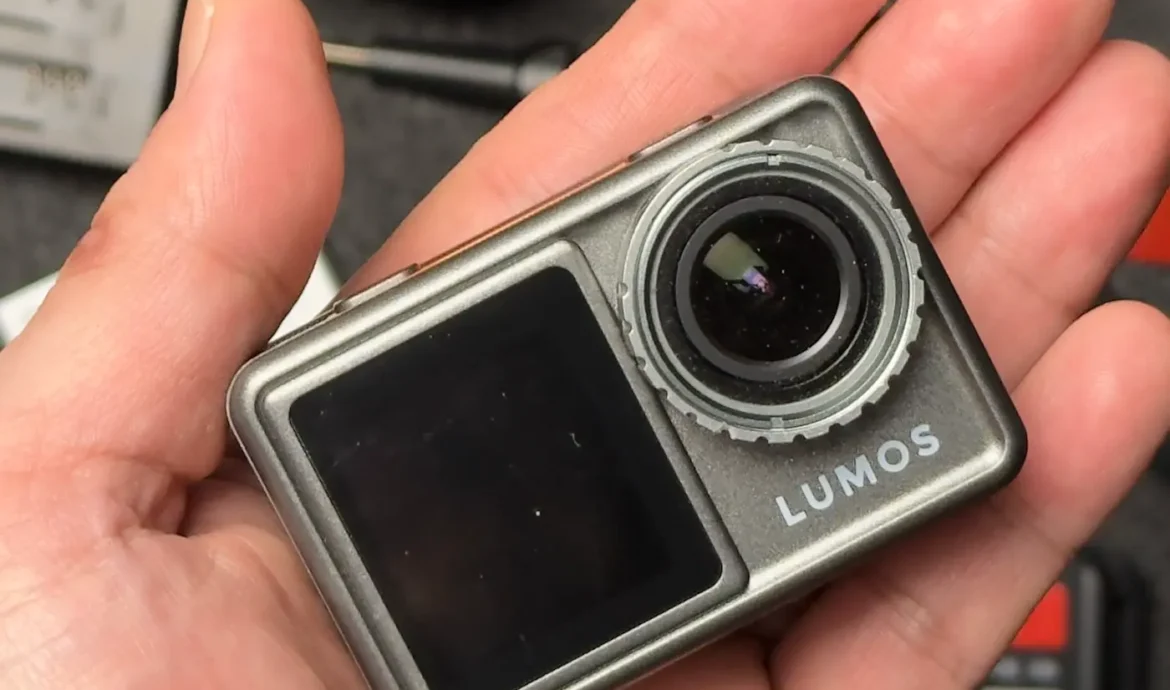
Everything below comes from that. Where a number is the manufacturer’s rather than mine, I’ve said so.
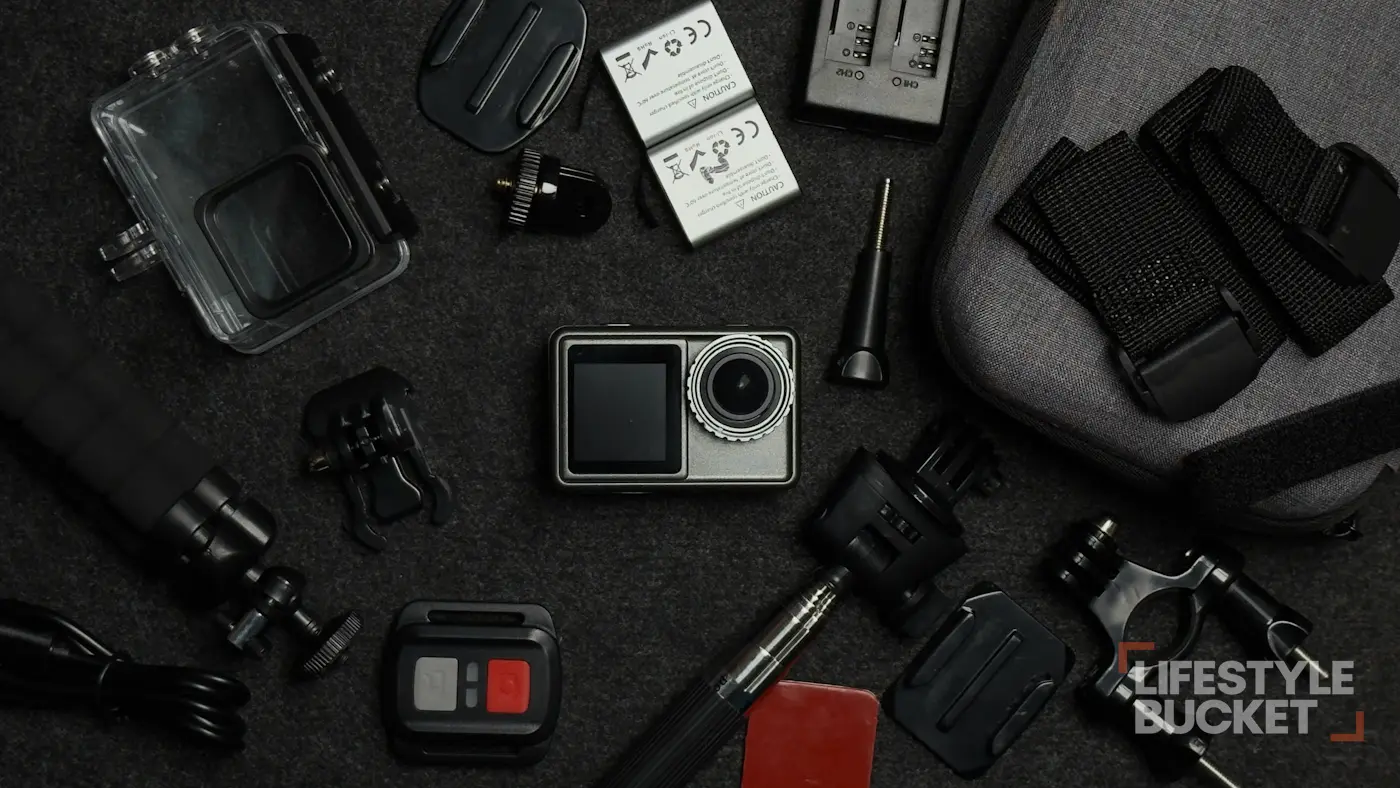
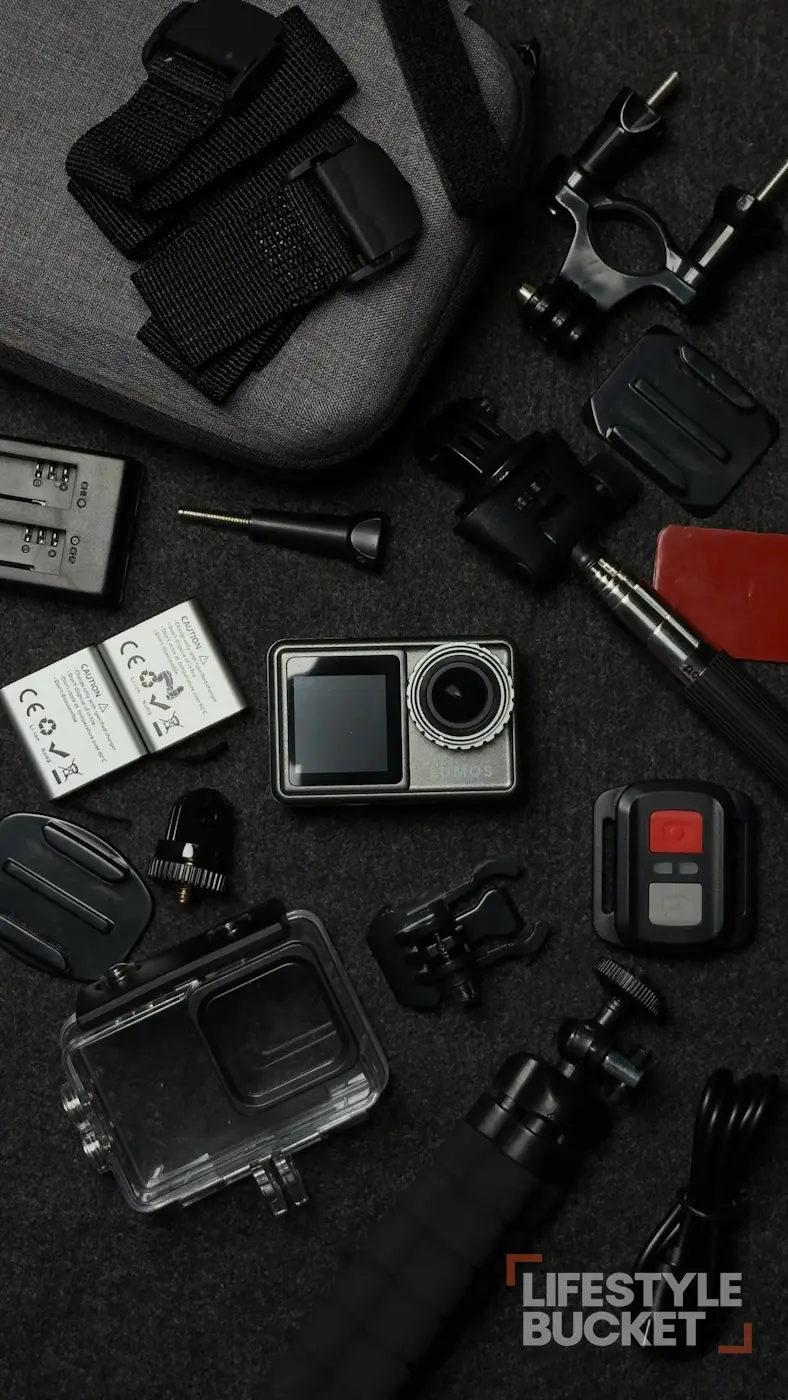
The Travel Bundle, as it arrives: two batteries, dual charger, case, pole, tripod, remote and the waterproof housing.
What it costs, and why I’d take the bundle
As checked on 1 September 2026, LUMOS lists the DOMINATE at ₱6,999 for the camera alone and ₱7,999 for the Travel Bundle, with a one-year local warranty. Those are the listed prices, not what I paid — my unit was provided for review, so the amount I handed over was ₱0. I’m judging the camera at retail, because “received for review” and “bought for ₱7,999” are not the same thing.
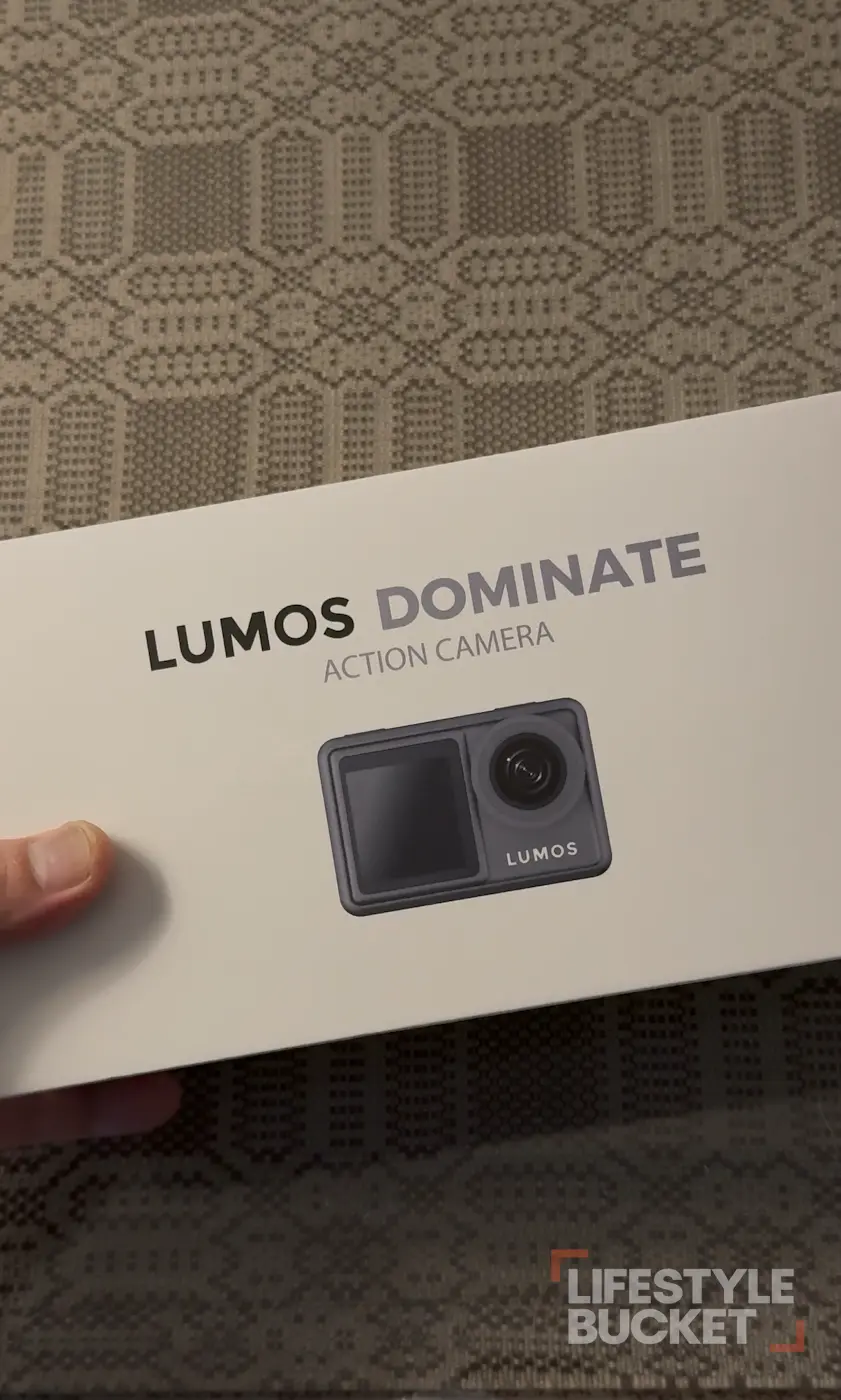
If you’re buying this camera, get the Travel Bundle. The extra ₱1,000 covers two rechargeable batteries, a dual-battery charging dock, a hard carrying case, a selfie stick, a mini tripod, a wireless remote, the waterproof case and mounting accessories.

The accessories I actually used were the camera, the waterproof case, the extra batteries, the dual charger and the selfie stick. The batteries and charger are the real reason to choose the bundle: an action camera is more useful when I don’t have to stop the moment the first battery gets low. The case matters for a smaller reason that turns out to matter daily — it keeps everything together instead of loose mounts and batteries rolling around a small bag.
If I’m spending my own ₱7,999, I’m buying the bundle.
Video quality is better than I expected
This is the main reason the camera ends up at 8/10. In good light the footage is surprisingly good for the price. I shot both 4K30 and 4K60 and would be comfortable publishing either for travel documentation and social media.
LUMOS lists 5K30, 4K60, 4K30, 2.7K60 and 1080p60, a 170° wide-angle lens and EIS. Those are the manufacturer’s capabilities; my judgment is based on the footage I recorded.
LUMOS DOMINATE, from the box, to the hotel, pool and mall — straight out of the camera, no grade.
YouTubeBut give it light
The DOMINATE is much happier when there’s enough of it. Outdoor and well-lit footage looks good. Move into darker areas, or shoot into a strong light source, and the limits show immediately.
I’ve kept a frame I wouldn’t publish for anything but this — an indoor scene with gloomy daylight and a few ceiling mood lights. It’s grainy. It stays in because that’s what a review is supposed to show.
If most of your shooting happens in bright outdoor conditions, this matters less. If you regularly shoot dark restaurants, night streets or dim rooms, think twice.
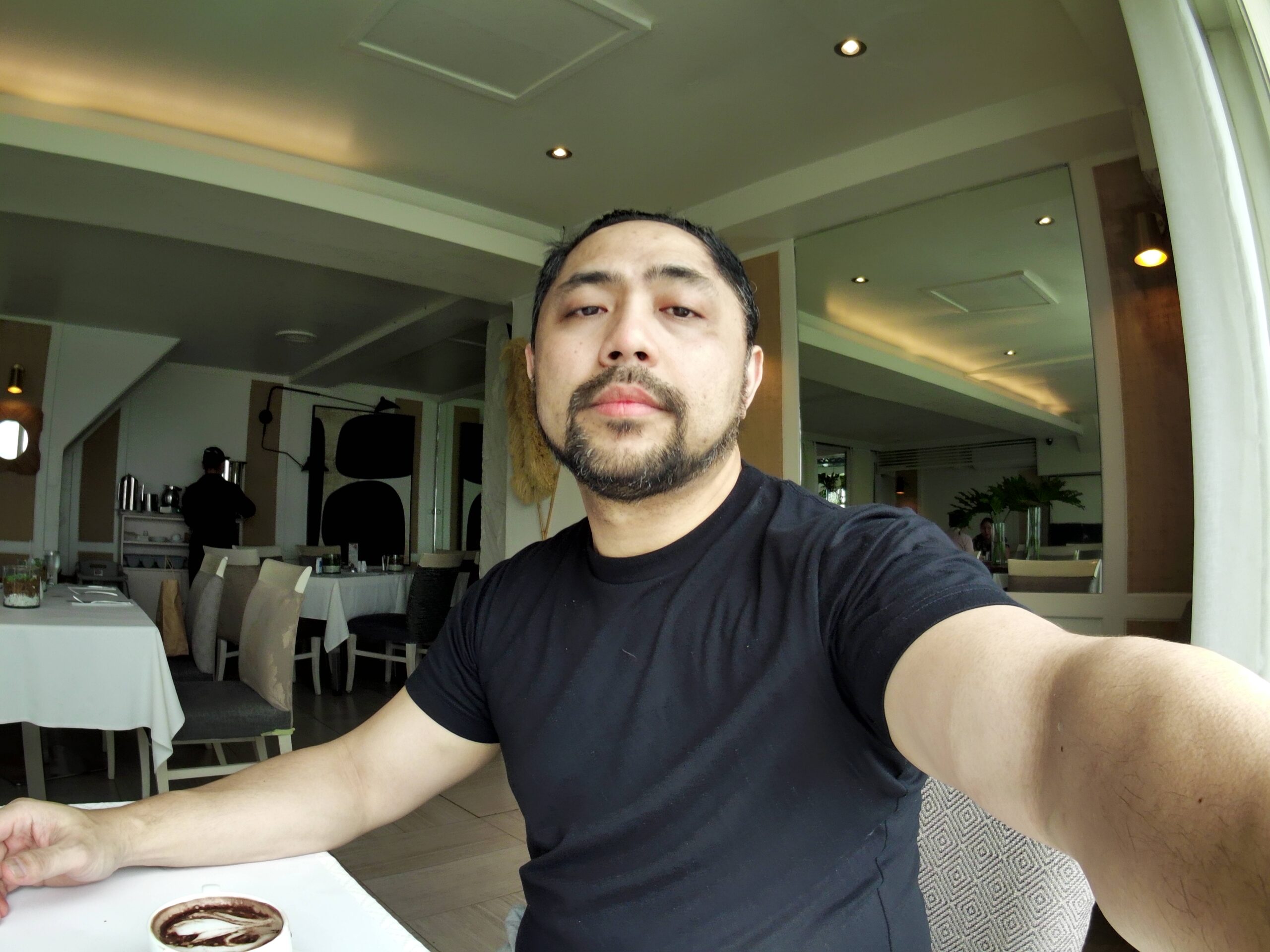
By the window, cloudy morning. This is the camera at its most comfortable indoors.
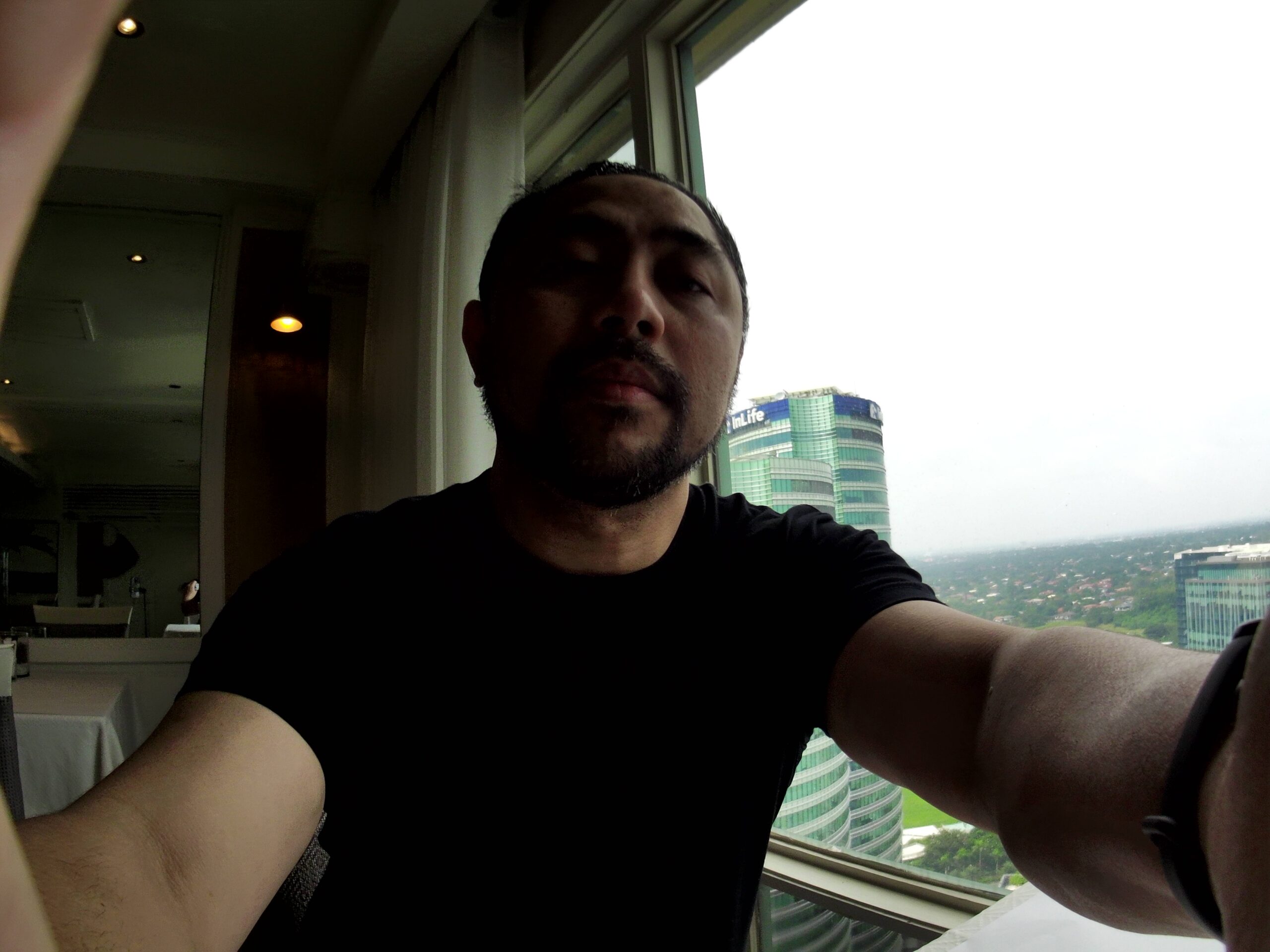
Same window, shooting against the light. Highlights go first.

Indoor, mall lighting. Usable, and visibly noisier than daylight.

Another Indoor, mall lighting. Usable, and visibly noisier than daylight.
Another Indoor, mall lighting. Usable, and visibly noisier than daylight.
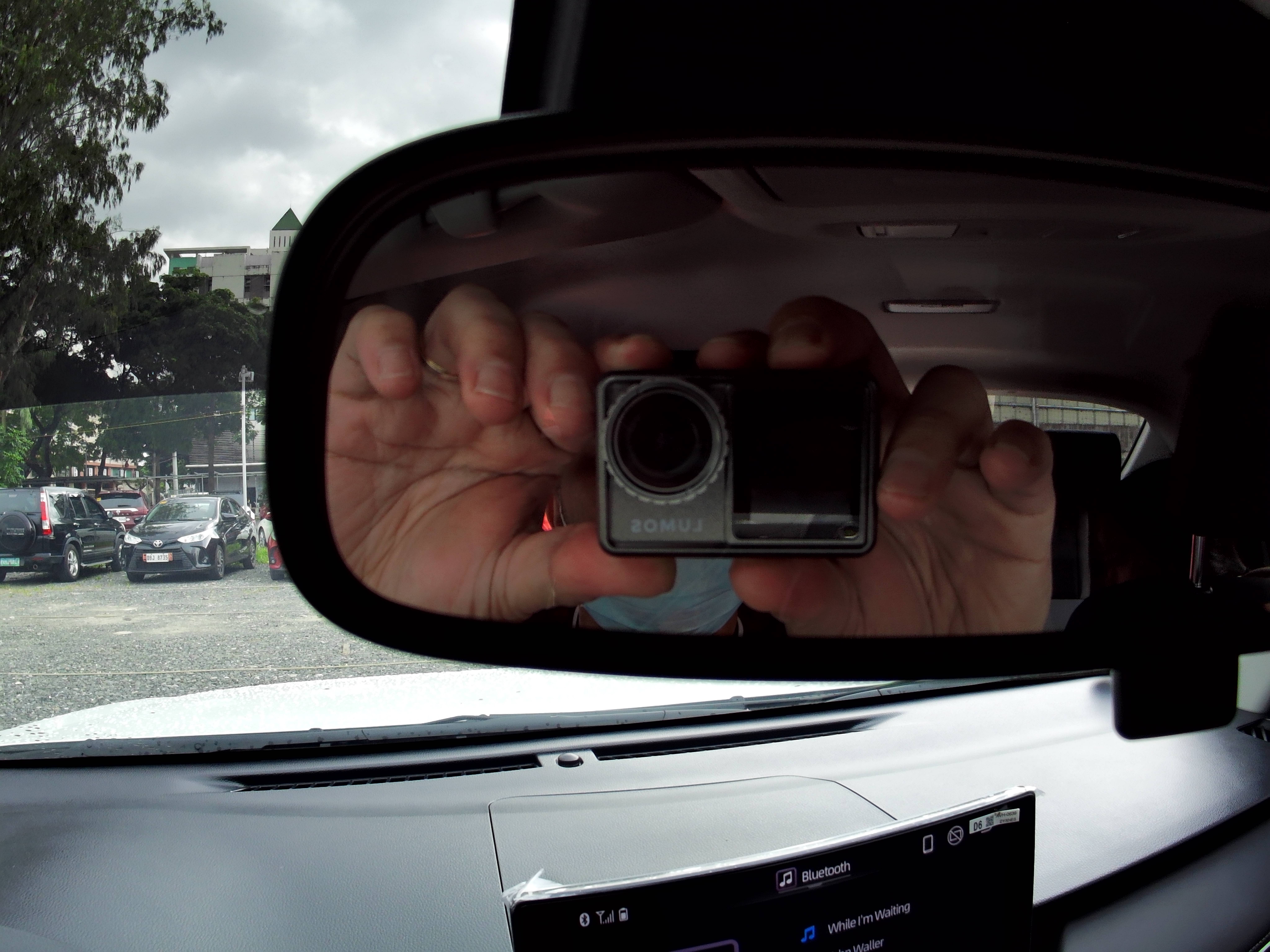
Inside a car, gloomy with a light shower. The floor of what I'd publish.
You may also see the raw photos here.
Underwater, in a four-foot pool
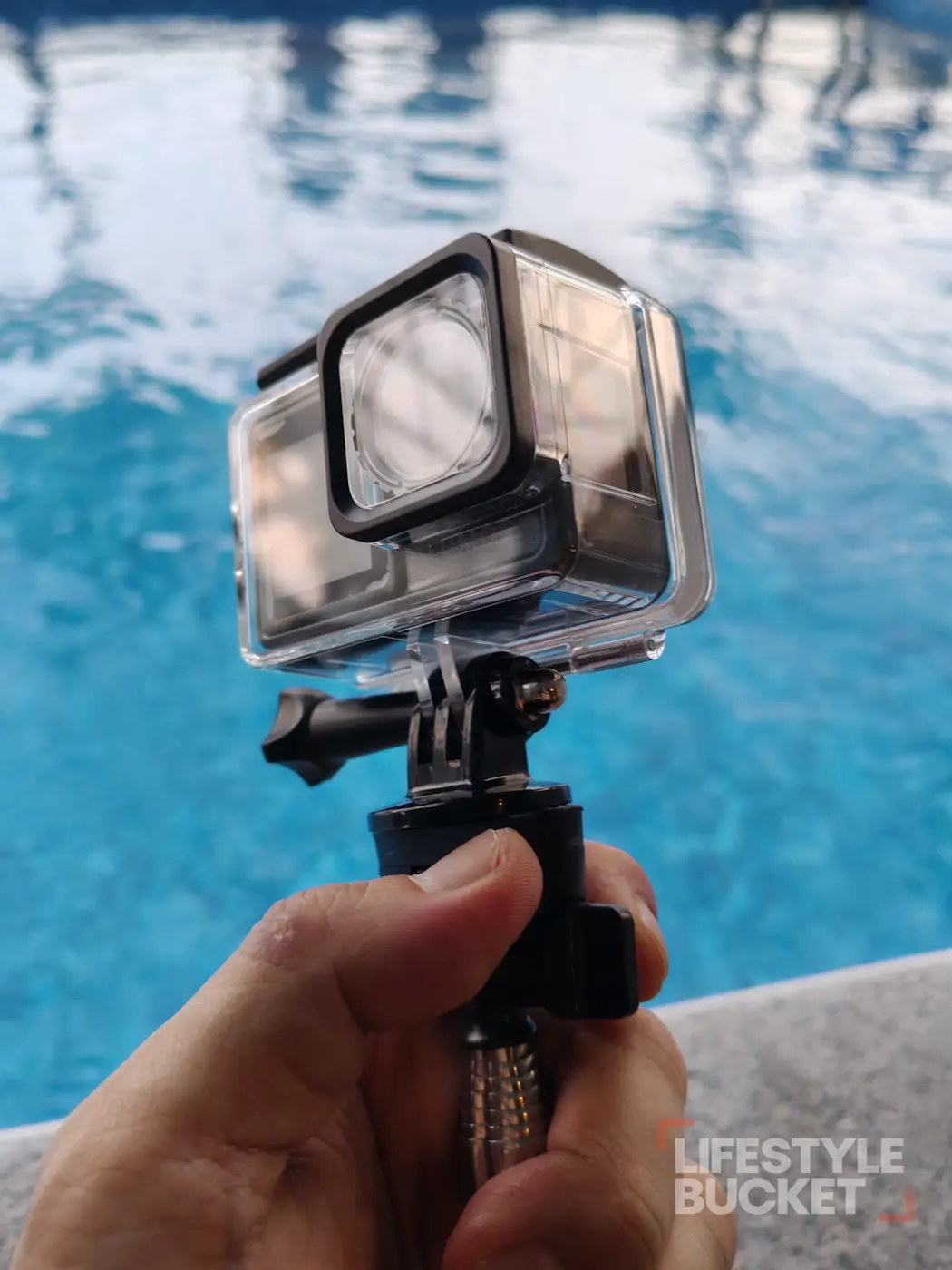
I tested the DOMINATE in a four-foot pool using the waterproof case, once around 9–10 AM and again around 4–5 PM. The underwater footage was clear in both sessions as long as I wasn’t shooting directly into the light. That’s a useful result precisely because it wasn’t a controlled tank — it’s the way a casual traveller would actually use it.
The case survived. I opened and closed the locking mechanism repeatedly, because I half expected it to give way eventually. It didn’t.
I’m not a diver and this was four feet of pool, so I’m not making any claim about maximum depth. Follow the manufacturer’s stated limits and use the case as intended. The camera itself should not be treated as waterproof without it — for rain or swimming, the housing is part of the setup.
Stabilisation, battery and heat
EIS is decent for casual movement
I tested stabilisation by moving the camera side to side while recording, which is roughly casual POV movement. The result was decent for the price. I haven’t tested it running, cycling or on a motorcycle, so I’m not going to tell you it’s proven for those. For walking and ordinary handheld movement, I found it useful.
Battery life is encouraging
I recorded continuously for more than an hour at both 4K30 and 4K60. At that point the battery still showed two bars in both tests, and the monitor had switched itself off during the recording.
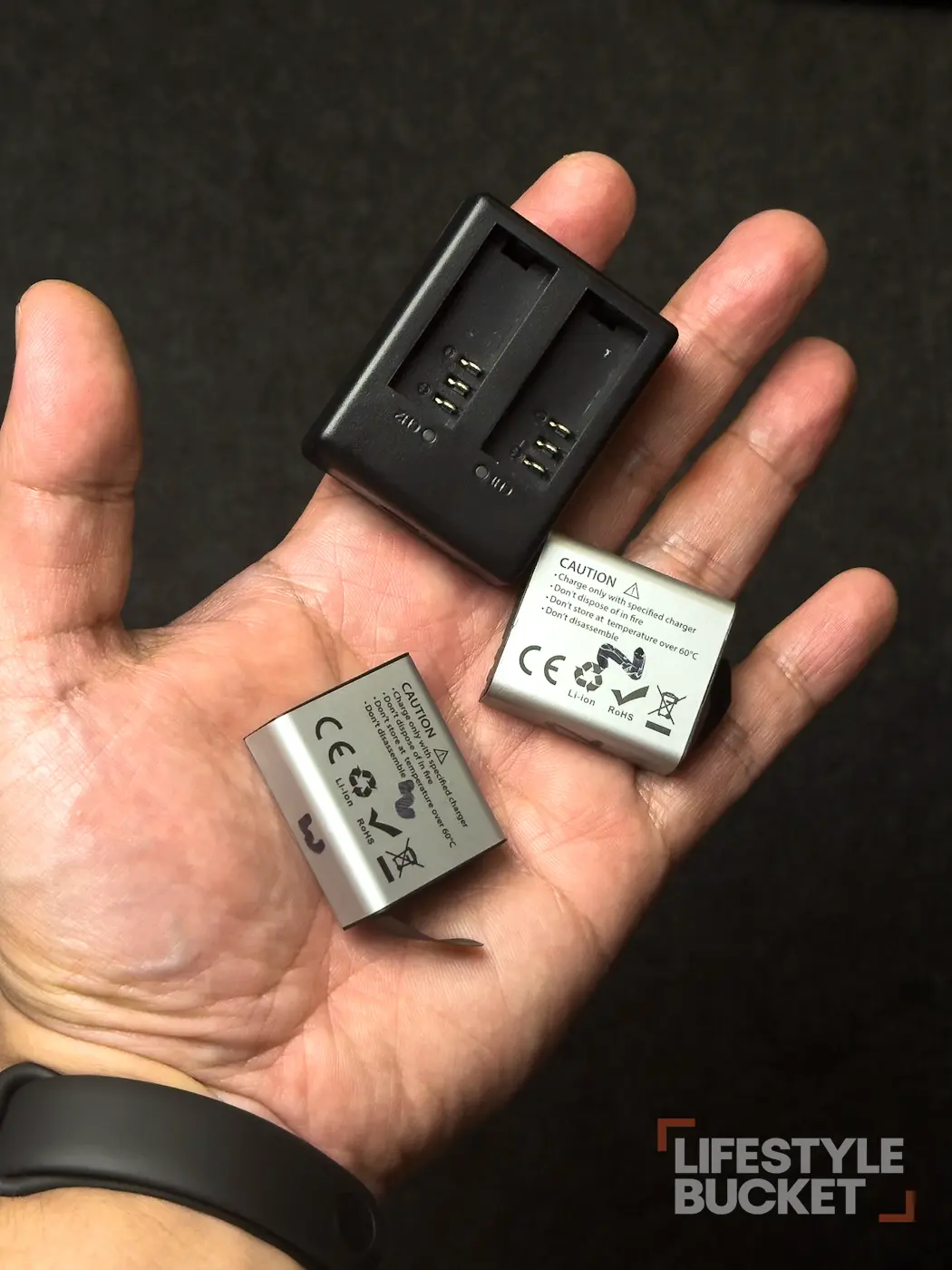 I haven’t drained a battery completely, so I’m not turning that into a claim of two hours of real-world recording. LUMOS advertises up to two hours; my evidence is an hour-plus of continuous recording with two bars left. That’s enough for me to bring it out for a day, especially with the bundle’s spares.
And the heat, which is usually my complaint
I ran a continuous-recording heat test indoors at room temperature, without the waterproof case, for almost an hour, and checked the camera at the fifteen-minute mark. My digital thermometer read 42.2°C on the screen and 40°C on the port side. The camera didn’t shut down, I didn’t lose a recording, and it wasn’t uncomfortable to hold.
That matters to me because heat has been one of my frustrations with more expensive action cameras. It was also not a multi-hour thermal torture test, and I’m not claiming it holds those temperatures indefinitely.
4K eats storage faster than you think
The included 32GB card is a fine starter card until you shoot 4K, at which point the arithmetic changes quickly. My own recordings came out at roughly 18.1GB per hour at 4K30 and 19.1GB per hour at 4K60 — which puts a nominal 32GB card at somewhere around 1 hour 40 to 1 hour 45, before accounting for usable capacity and variation between files.
The practical lesson is simple: if you’re shooting a lot of 4K, offload regularly or buy a bigger card. The camera takes up to 128GB according to the supplied product information.
Long recordings split into separate files
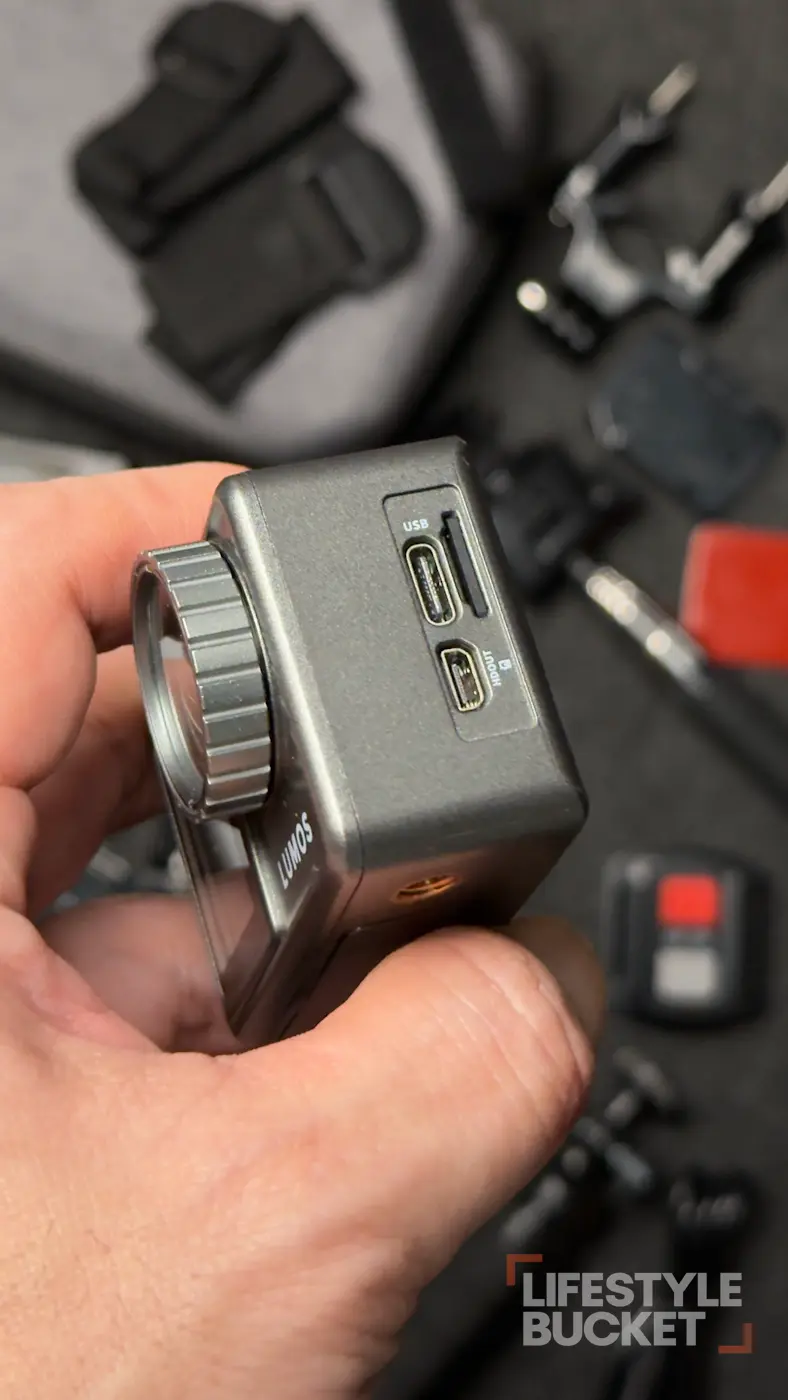
During normal recording the camera breaks long takes into separate files. At 4K30 one file ran 13 minutes 20 seconds at 4.03GB; at 4K60, 10 minutes 24 seconds at 3.31GB before it split. I’m not going to guess why. I haven’t established whether it’s the camera’s default behaviour, the file format or the card. There is one practical upside: smaller files are easier to move and manage on a phone.
Living with it
Setup is straightforward — but check the timestamp
Initial setup is what I’d expect: language, time, date, and you’re recording. One thing is worth catching immediately. The date and time stamp is ON by default. Miss it during setup and it ends up burned into your footage. That’s not a reason to reject the camera; it’s the kind of setting you want to find before you’ve filmed half a day of a trip.
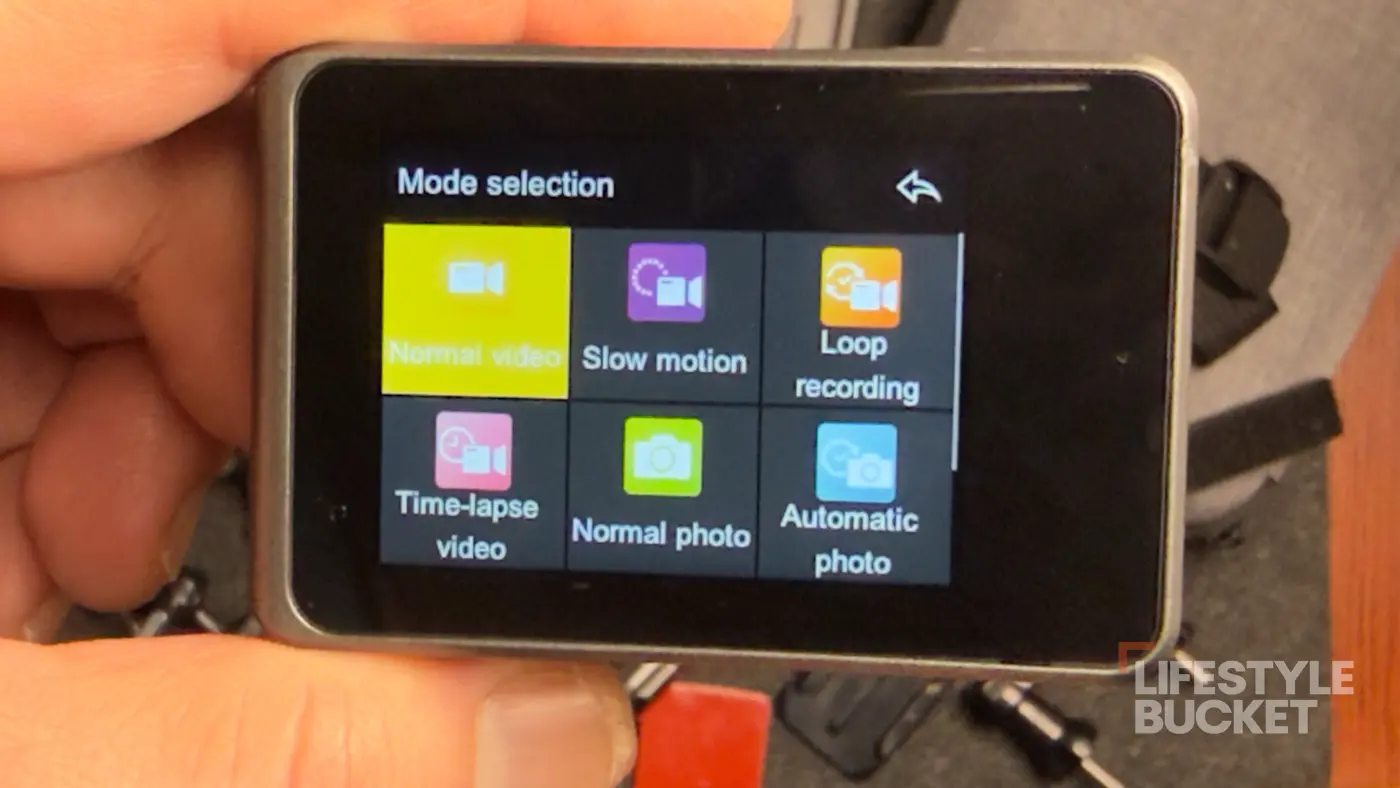
Two screens, one at a time
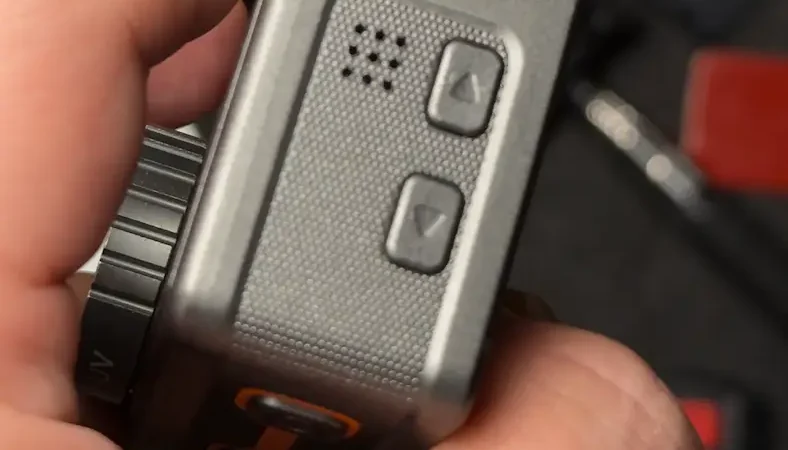
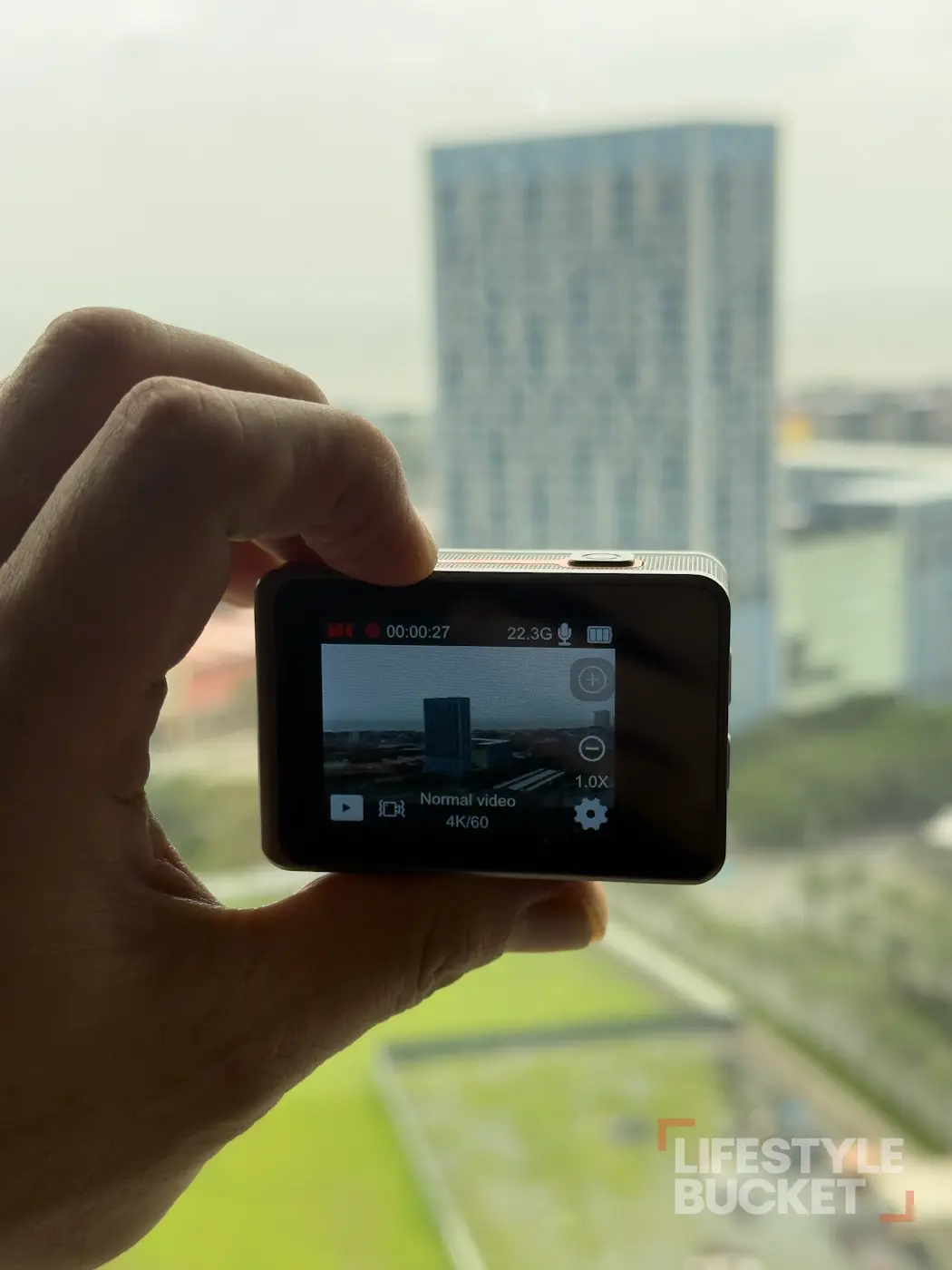
There are screens front and rear. The rear one is the touchscreen and the easier place to change settings, with physical buttons on the top and side doing the same basic jobs. The front screen is viewing-only.
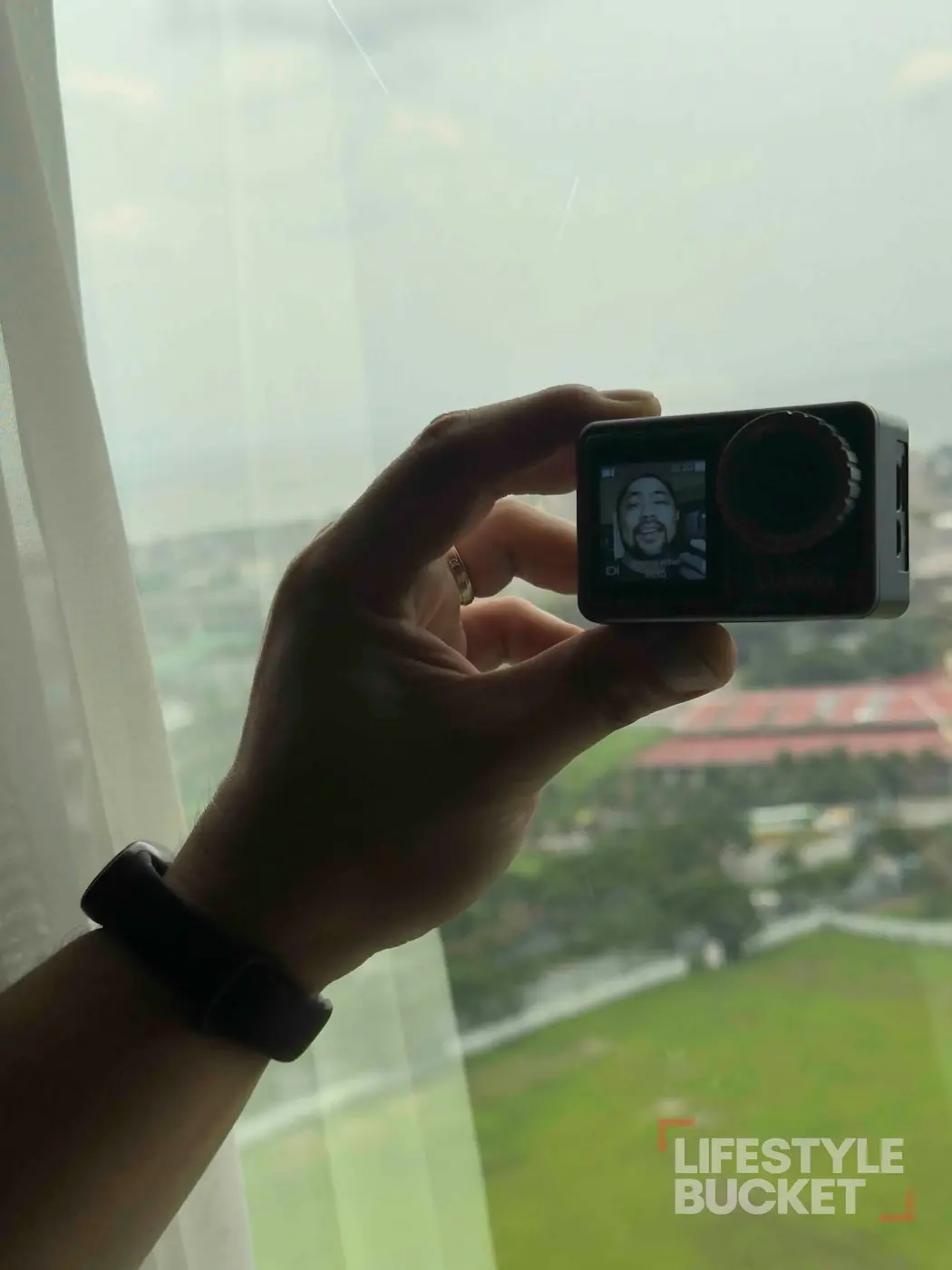
I learned the annoying part the annoying way: the two screens aren’t active at the same time. I assumed the front display would wake up when I wanted to frame myself. It doesn’t. During one swimming session I failed to frame myself properly because I hadn’t switched it on, and had to redo the recording.
Not a deal breaker. Just something to learn before the shot matters. The rear display is also the easier one to read outdoors; the front screen struggles in bright light.
Watch your distance from the subject
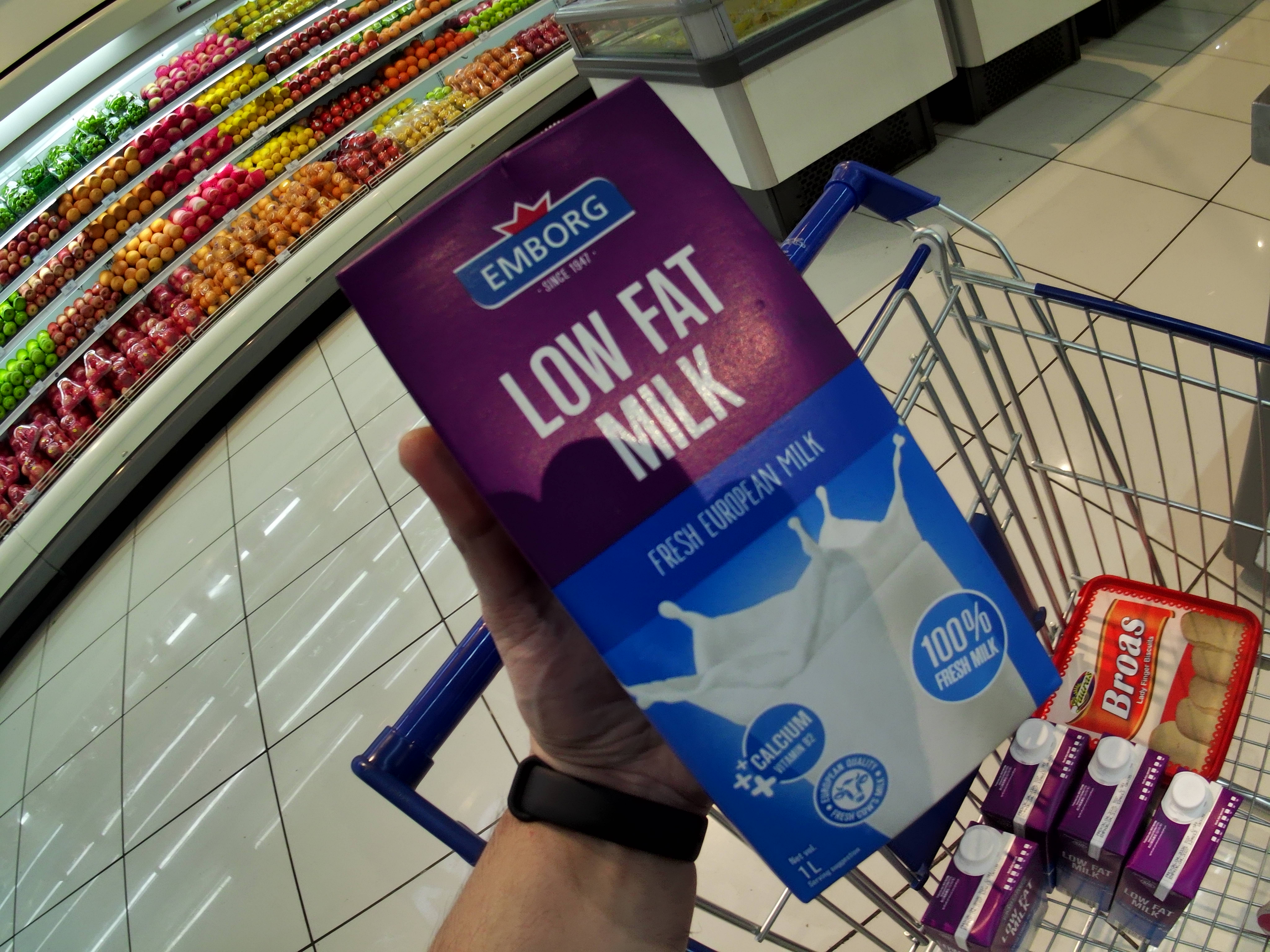
I missed several shots by standing too close, particularly for stills. I didn’t run a minimum-focus-distance test, so I’m not going to invent a number. The practical version: if something looks soft, take a step back and check your framing before assuming the camera is broken. It’s an action camera, not a macro lens.
Audio is fine until the room isn’t
The built-in microphone is fine in a reasonably quiet environment. I tested speaking to the camera at about arm’s length, which is normal for this kind of footage.
The problem is noise. Once the surroundings get loud, ambient sound competes with my voice enough that direct-to-camera speech stops standing out. With the waterproof case on it gets quieter again, which is unsurprising with the mic behind a housing.
If your videos lean on spoken narration recorded into the camera — outdoors, around traffic, around people — this is the area where I’d want a better solution. For travel documentation where the footage carries the piece, it’s fine.
The app, the remote, and a small wish about filters
I tested SupCam Pro on both iOS and Android. I’m not reviewing it as a product — I haven’t used it deeply enough for that. What I tested is the workflow that decides whether a camera gets used: getting footage onto a phone. It works, and it works without an account, which I appreciate. Shoot something, move it to the phone, post it. That removes one of the small frictions that leaves an action camera sitting in a drawer after a trip.
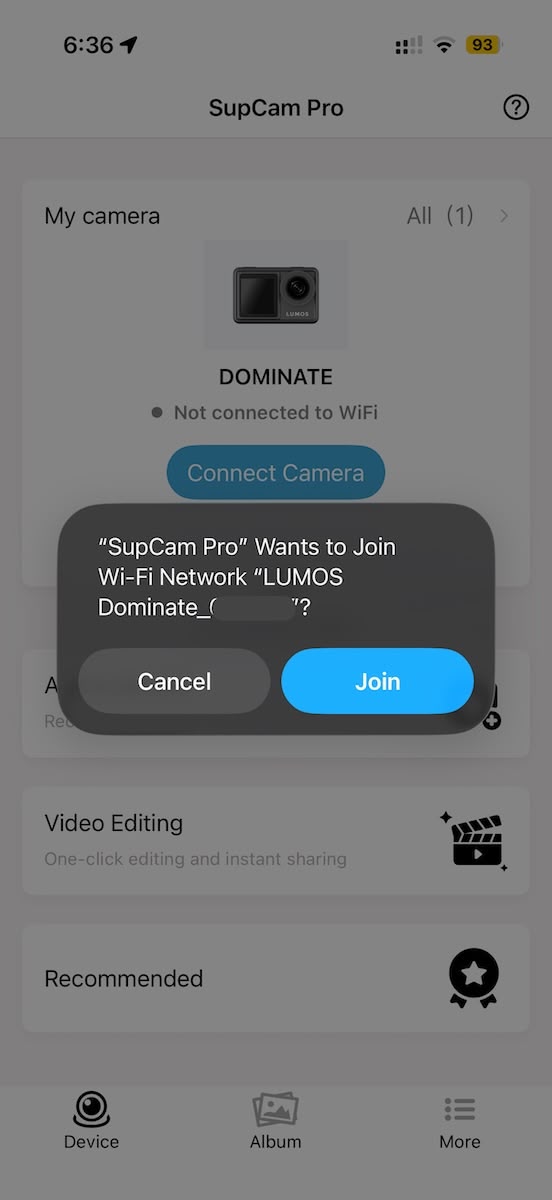
SupercamPro
The wireless remote in the bundle is the kind of accessory that’s pointless until the one shot where it isn’t. With the camera placed further away, it triggers without me walking back. It opens up travel shots that would otherwise need a second person. It’s not why I’d buy the bundle — the batteries, charger and case are.
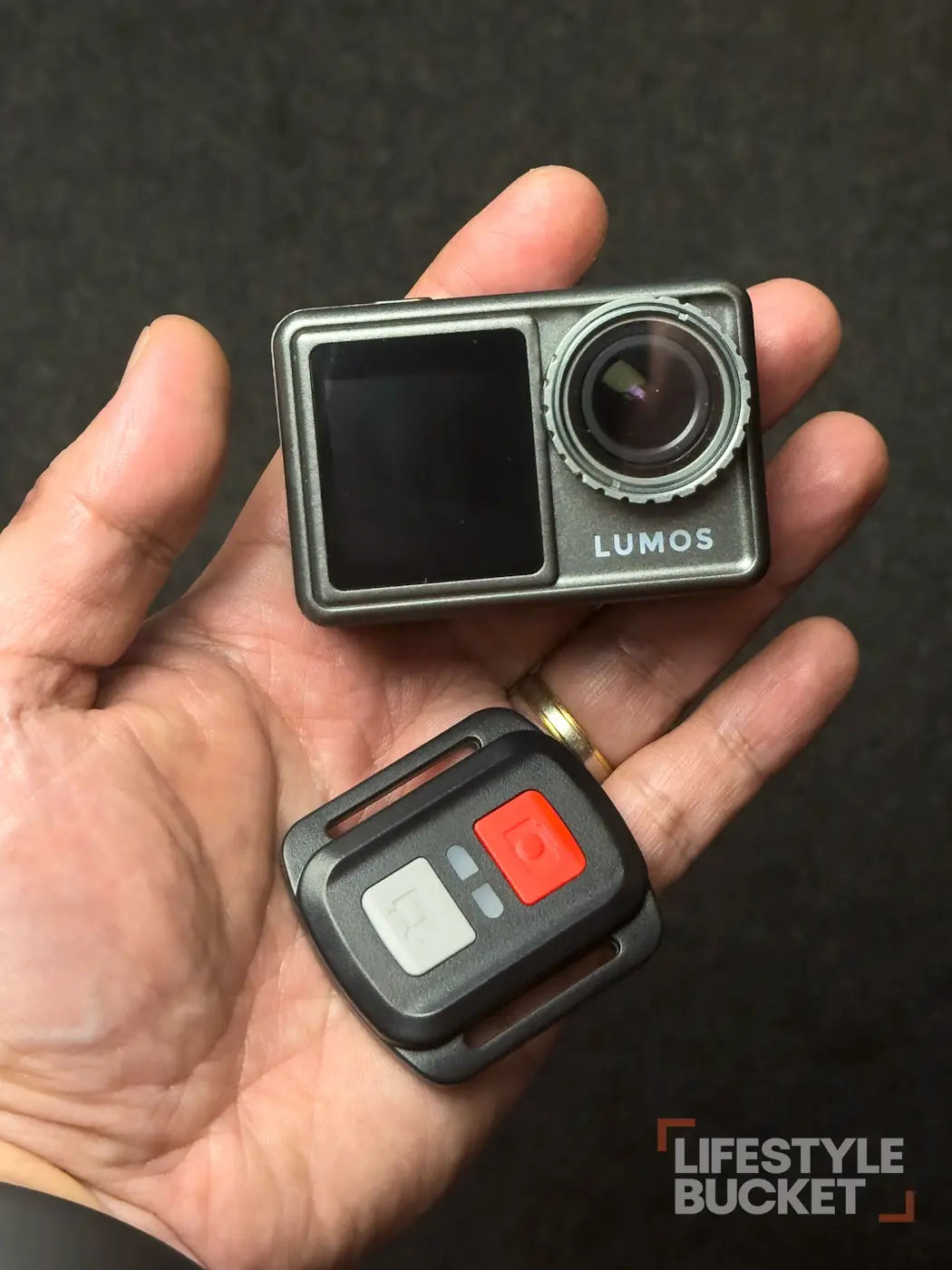
The camera ships with a removable UV filter, useful as basic protection. Using it, I found myself wondering whether LUMOS might eventually offer ND, CPL or underwater-specific options, and whether the UV filter can be bought separately if it gets scratched. I’m not saying the camera needs a filter system to be worth buying — at this price it would add cost and complexity. It’s a future nice-to-have.
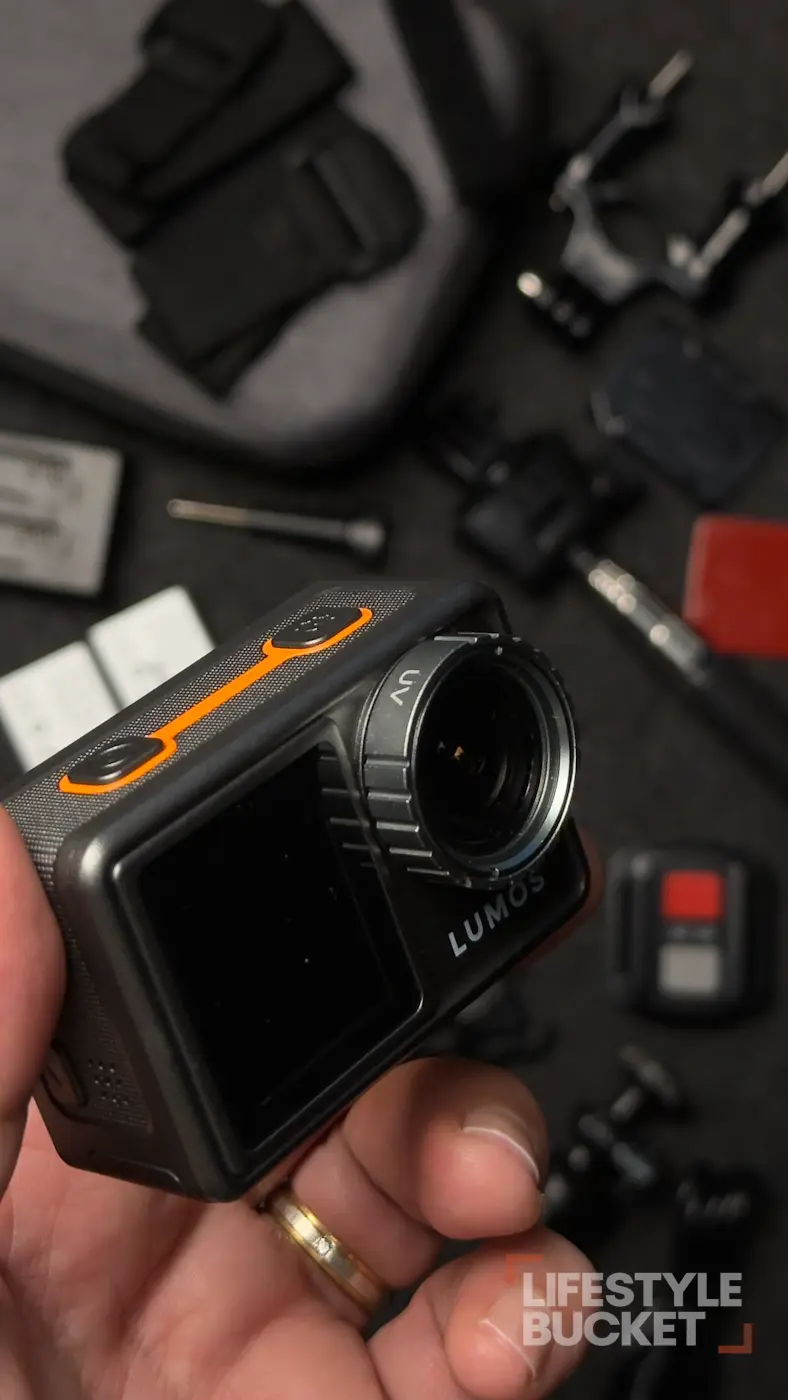
The build is simple, and that’s a compliment
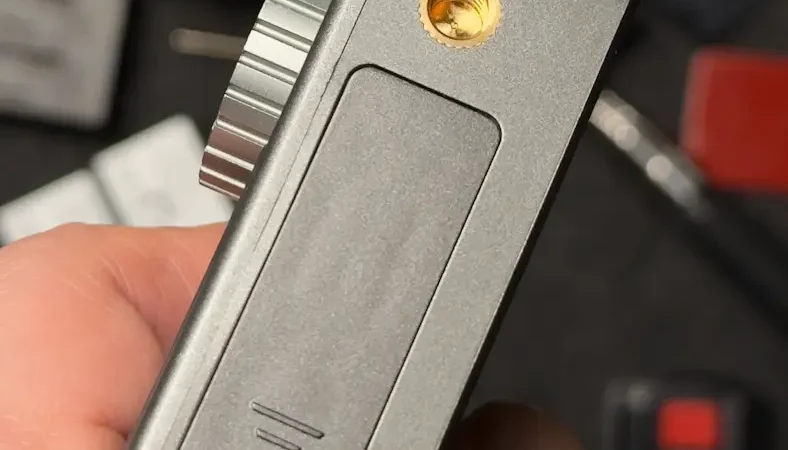
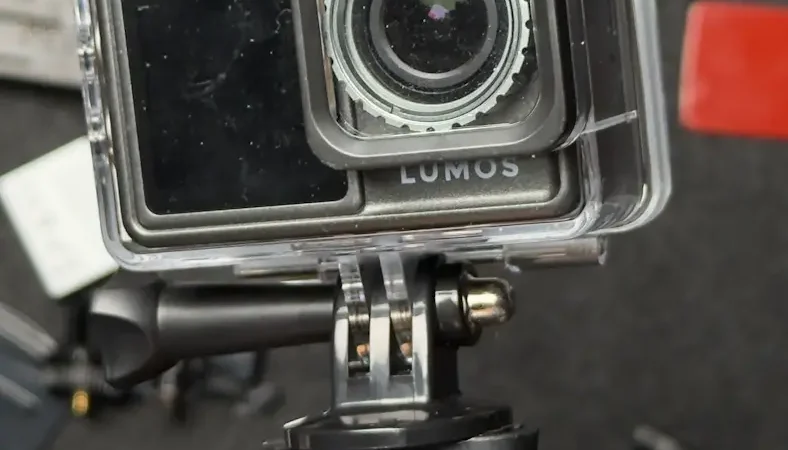
The camera doesn’t try to make its controls clever. Power and record are obvious, the scroll gestures are intuitive, and the touchscreen keeps settings out of nested menus. For someone buying a first action camera, that’s worth more than depth. It also came through actual travel use without anything working loose, and the waterproof case came through the swimming without a problem.
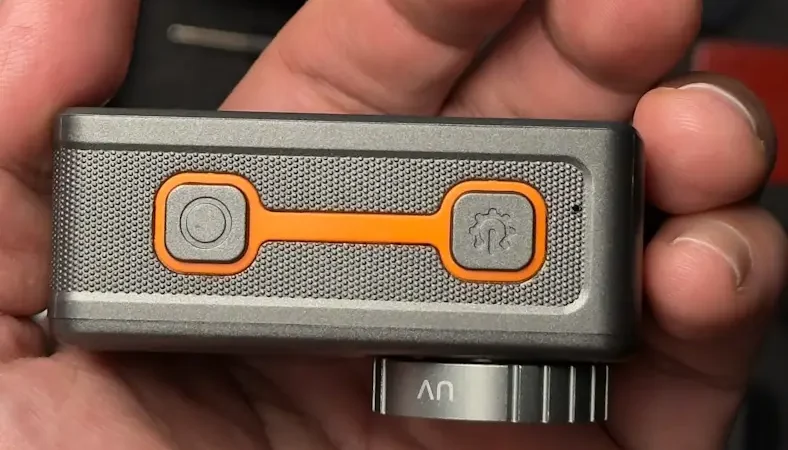
4 frames
What it actually replaces for me
This is where the DOMINATE makes its case. I’m not comparing it as though it should replace every expensive action camera on the market. I’ve used more expensive GoPros and I know what they offer. I also own a much more expensive DJI Osmo Nano.
But I don’t need either of those to carry a small camera around a hotel, shoot a walk, get footage in a pool, or make a quick social clip.
The best travel camera is often just the one that’s actually with you.
The DOMINATE is compact enough to live in my small daily bag without becoming an annoyance. I carried it through the whole staycation and never once thought, why did I bring this thing. For those jobs, it gives me enough. And because I paid ₱0, the price I’m judging is the retail ₱6,999 / ₱7,999, not a pretend value based on what I received.
Who it’s for, and who should skip it
I’d put the DOMINATE on the shortlist for:
- First-time action-camera buyers
- Budget-conscious travellers
- People who mostly shoot in good daylight
- Casual swimmers who’ll use the waterproof case
- People making social-media content
- Anyone who wants travel documentation without carrying a bigger camera
LUMOS itself positions the DOMINATE toward casual use and everyday adventures rather than as a professional replacement, which matches where my testing puts it.
I’d look elsewhere if:
- You regularly shoot in dark or poorly lit places
- Professional-grade image quality is the requirement
- Clean spoken audio is central to your videos
- You need proven stabilisation for running, cycling or motorcycle use — I haven’t tested those
- You’re buying for professional production rather than casual travel and social content
That last group isn’t me saying the camera can’t do those things. It’s me saying I haven’t tested enough to recommend it for them.
So, is the Travel Bundle worth ₱7,999?
Yes. The LUMOS DOMINATE ₱6,999 camera-only price already makes the proposition interesting. At ₱7,999 the bundle makes more sense, because the extra batteries, charger, case and shooting accessories solve the practical problems I actually have when travelling with an action camera.
The LUMOS DOMINATE isn’t perfect. It isn’t the camera I’d pick if my priority were low light, professional audio or professional-grade production. But if I’m a casual shooter and my end goal is travel documentation and social media, I get enough out of it that I don’t feel compelled to spend substantially more.
And if I’m buying one, I’m buying the LUMOS DOMINATE Travel Bundle.